

Use Lists in Workflows
Add allow and deny lists to RiskOS™ workflow conditions to automate evaluation routing based on list membership and fuzzy matching.
Once a list is configured, it can be used in a workflow to automate the evaluation process.
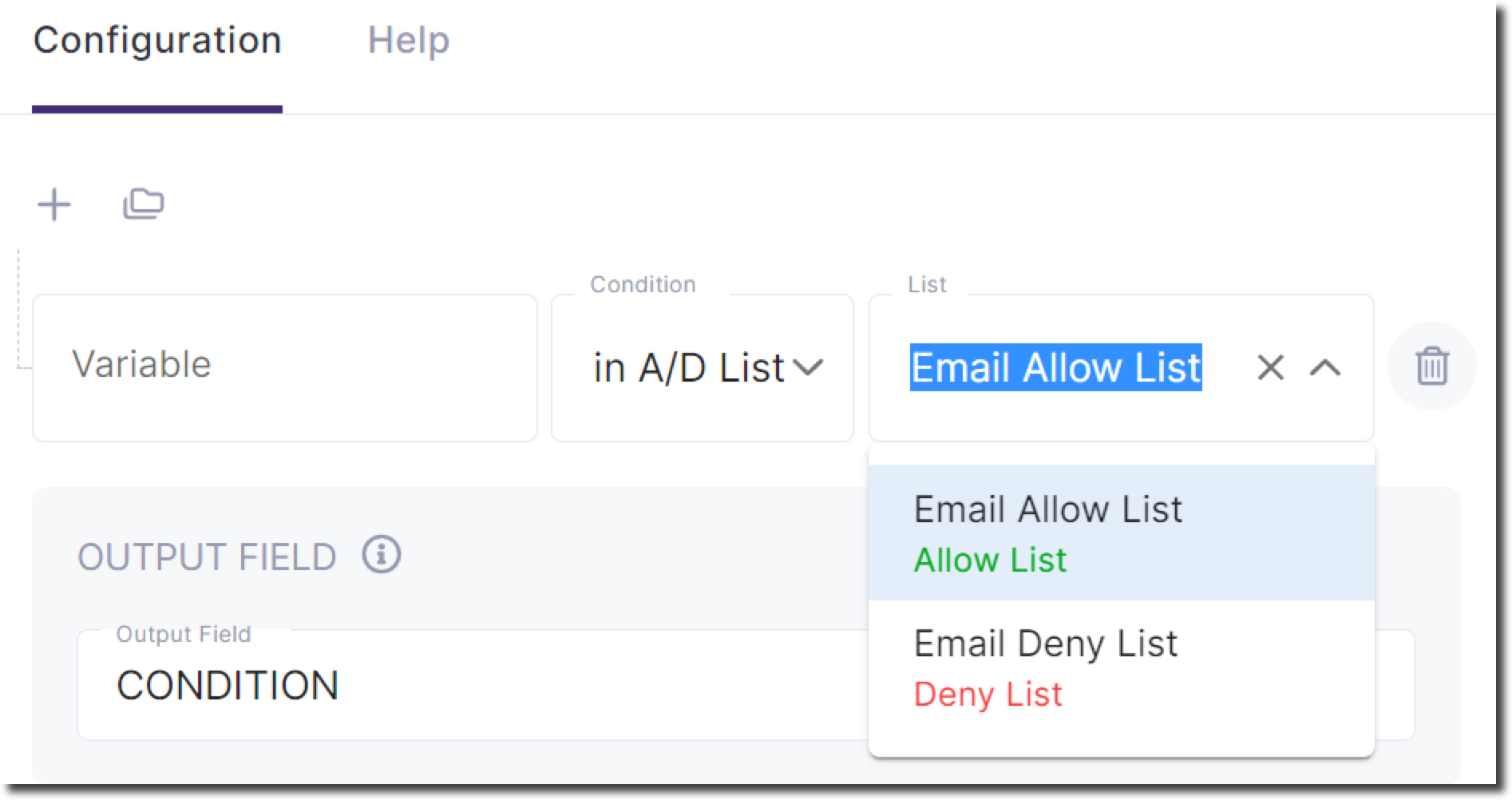
- Add a Condition step to your workflow.
- Select the value you want to evaluate against the Allow/Deny list.
- Choose the operator:
- In A/D List — returns
trueif the value exists in the list. - Not in A/D List — returns
trueif the value does not exist in the list.
- In A/D List — returns
- Select the Allow/Deny list you want to use for evaluation.
Based on the condition’s result, workflow execution will follow either the true or false path.
Using fuzzy match lists
If the list is configured with fuzzy matching, the threshold is defined at the list level. When the list is used in a workflow, that threshold is automatically applied during evaluation.
The behavior is similar to an exact match:
- If the fuzzy match algorithm produces a score greater than or equal to the threshold, the workflow evaluates the condition as
true. - Otherwise, the condition evaluates as
false.
Distinct Thresholds for Lists:
If you need different threshold values for different workflows or scenarios, you must create separate lists, each configured with its own threshold. This ensures that matching behavior aligns with the requirements of each use case.
Updated 3 months ago