

DocV Terms and Consent Feature
Learn how the Predictive DocV SDK Terms and Consent feature works for Native and Web SDKs, including compliance requirements and user flows.
Predictive DocV Terms and Consent
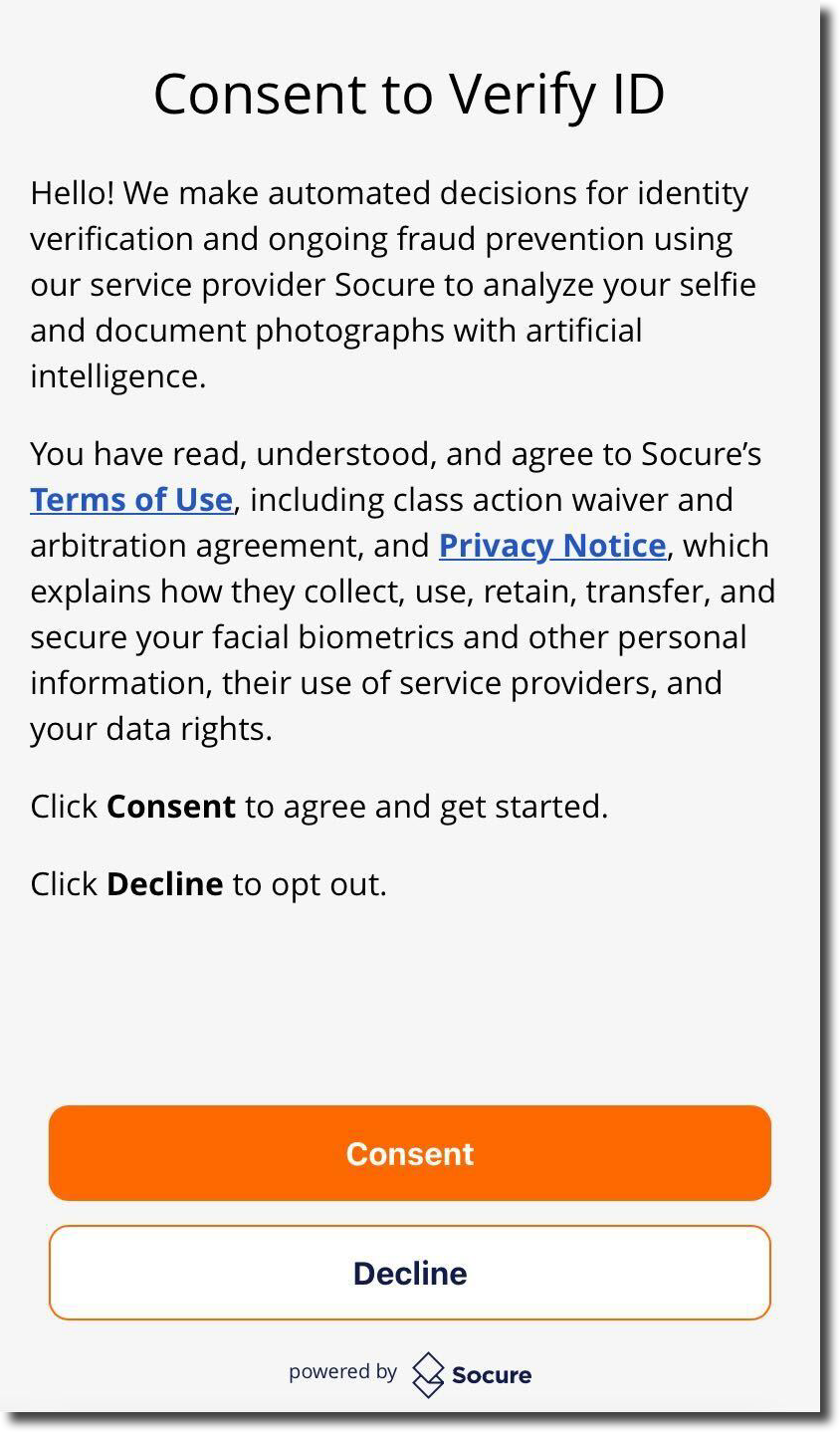
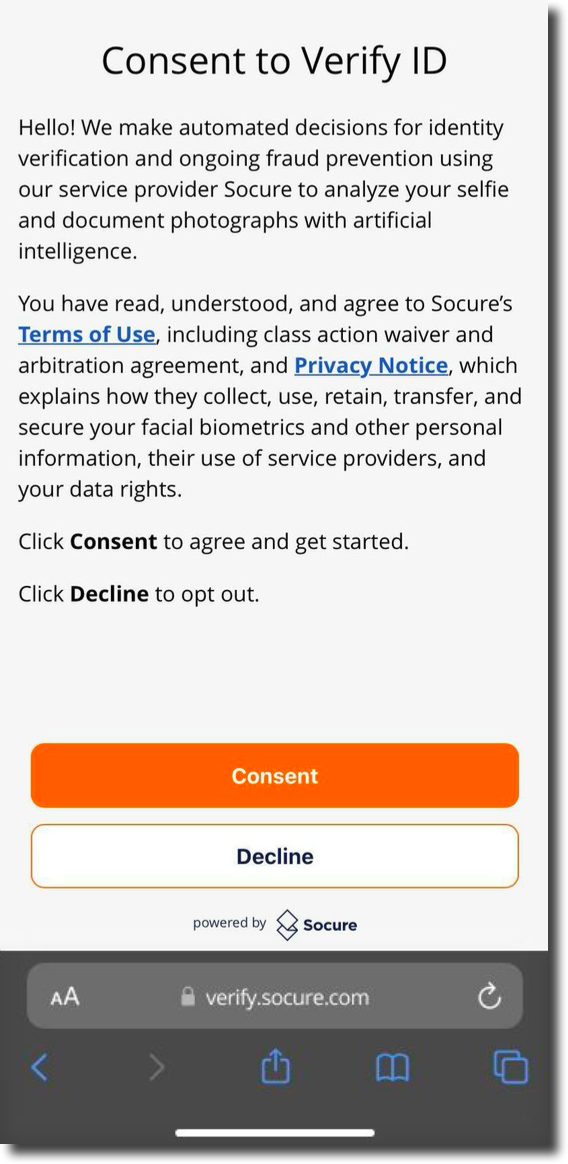
The Predictive Document Verification (DocV) SDKs include a mandatory notice and consent feature that is displayed prior to the initiation of the document capture process. The consumer is presented with a Terms & Consent page in the voice of the Socure customer, noting that a third-party service provider is requesting agreement to their Terms of Use and consent to the use and retention of personal data, including photos and biometrics, for ongoing identity verification and fraud prevention, in accordance with their Privacy Statement.
Consumers can view, but are not required to click on, the Terms of Use or Privacy Statement before providing or declining consent.
Note:
The Terms and Consent feature relates to compliance with laws and cannot be removed, customized, or disabled on the Predictive DocV Native or Web SDK Capture App user interface.
Native SDK
On the Native SDK, the consumer must either click Agree to provide consent and begin the document capture flow, or Decline to decline consent and cancel the transaction. The Terms & Consent page will appear for each newly initiated DocV transaction but will not be presented if the consumer is asked to resubmit their documents after providing consent.
- If the consumer declines to provide consent, the document capture flow is terminated, and the consumer will then have to restart the identity verification process. The DocV SDK will then return the error
CONSENT_DECLINED. - If the consumer provides consent but does not complete the document capture process within 1 hour, the document capture flow is terminated and the consumer will then have to restart the identity verification process. The DocV SDK will then return the error
SESSION_EXPIRED.
Web SDK
On the Web SDK, the consumer must either click Agree to provide consent and begin the document capture flow, or Decline to decline consent and cancel the transaction. The Terms & Consent page will appear for each newly initiated DocV transaction, but will not be presented if the consumer is asked to resubmit their documents after providing consent.
- If the consumer declines to provide consent, the document capture flow is terminated and a new link has to be generated to restart the identity verification process.
- If the consumer provides consent but does not complete the document capture process within 1 hour, a new link has to be generated to restart the identity verification process.
Download a consent audit report
All DocV transactions for the Native and Web SDKs are recorded in RiskOS™ for auditing purposes. You can generate and download a DocV Consent Audit report on the Reports page to check if a consumer agreed to provide consent or declined consent prior to the initiation of the document capture and upload process. For more information, see Reports.
Updated 2 months ago