

Selfie Intelligence Flow
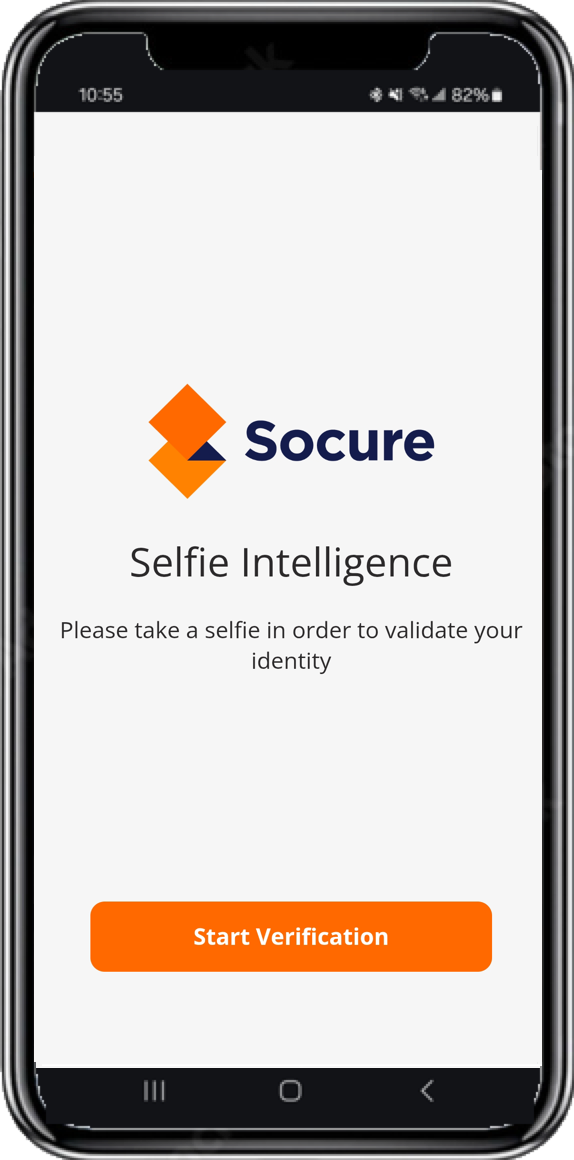
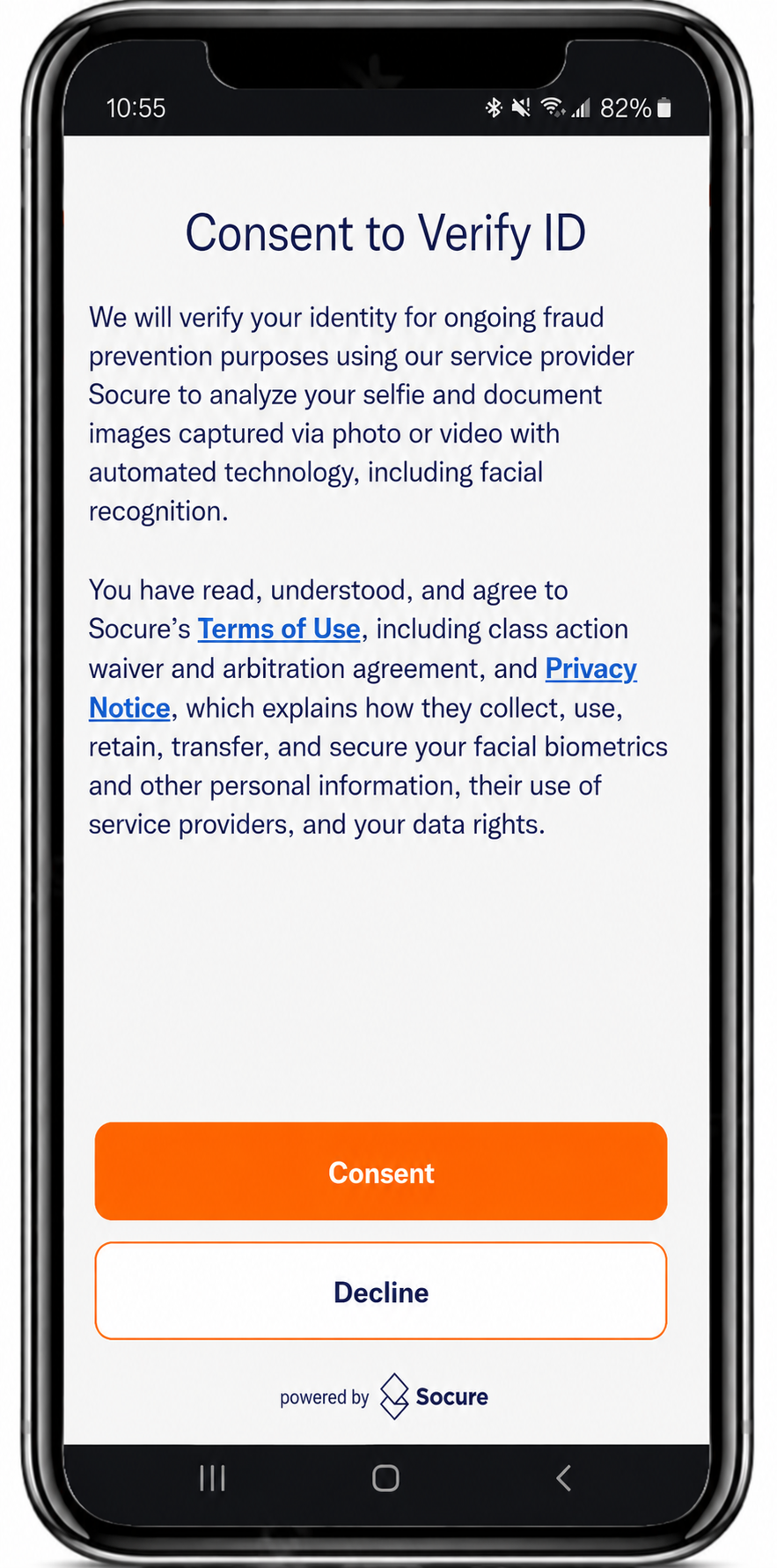
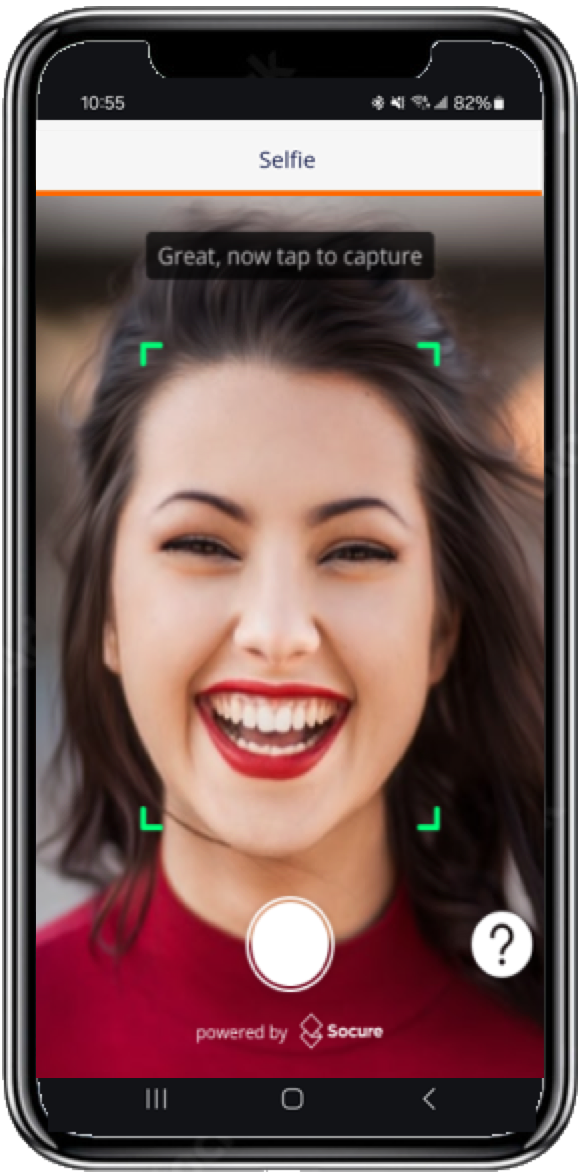
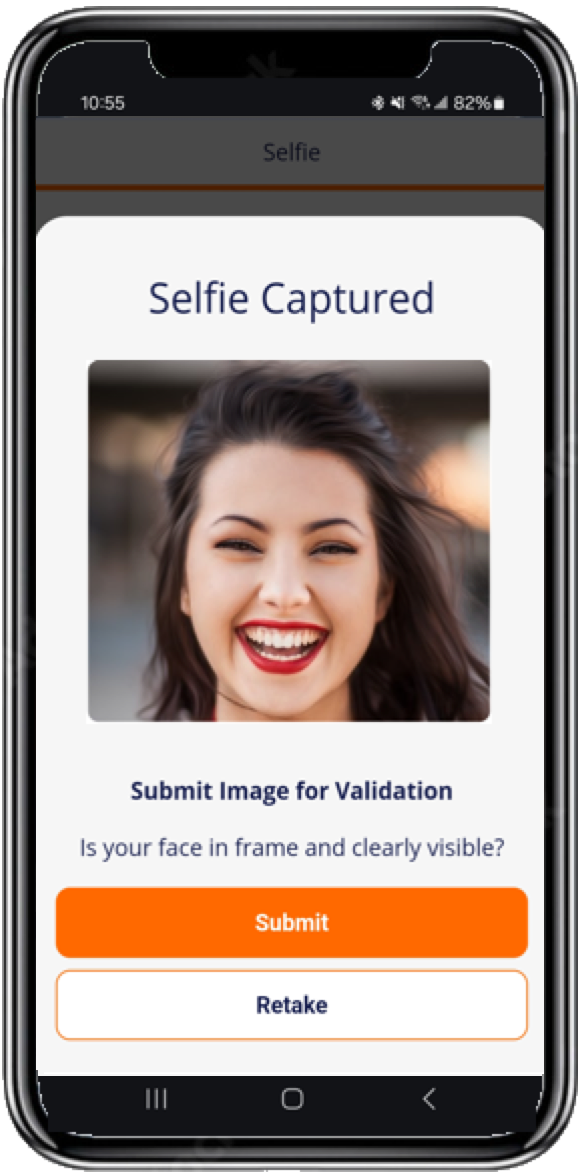
The typical sequence of Capture App screens when a consumer captures a live selfie for the Selfie Intelligence flow.
The Selfie Intelligence flow in the Capture App provides the consumer with a step-by-step process for capturing and submitting a live selfie. Once the selfie is captured, the Capture App uses image validation services to check for quality issues—such as blur, low lighting, or improper framing—and confirm that the face is clearly visible. After submission, the selfie undergoes advanced biometric and liveness checks to ensure it was captured in real time and is not a spoofed or manipulated image.
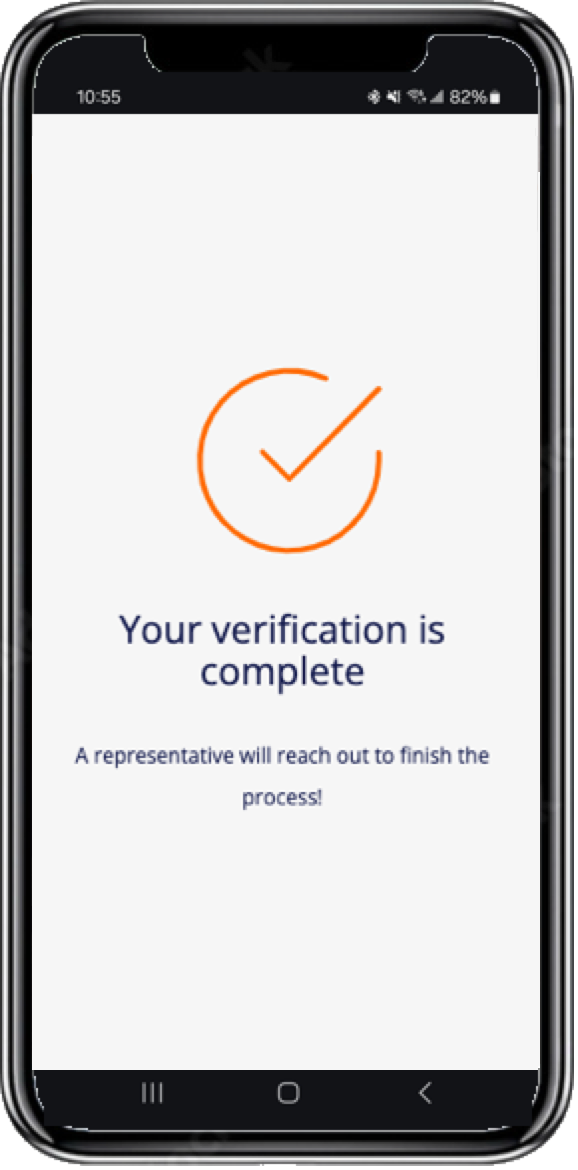
Consent Declined
The Terms and Consent screen presents a mandatory notice that the consumer must accept before capture begins. If the consumer declines consent, the Capture App stops the flow and displays a screen confirming that they can't continue without accepting the notice. The session ends with a terminal-negative Consent Declined outcome. To learn how your workflow resolves this outcome, see Receive DocV Results.
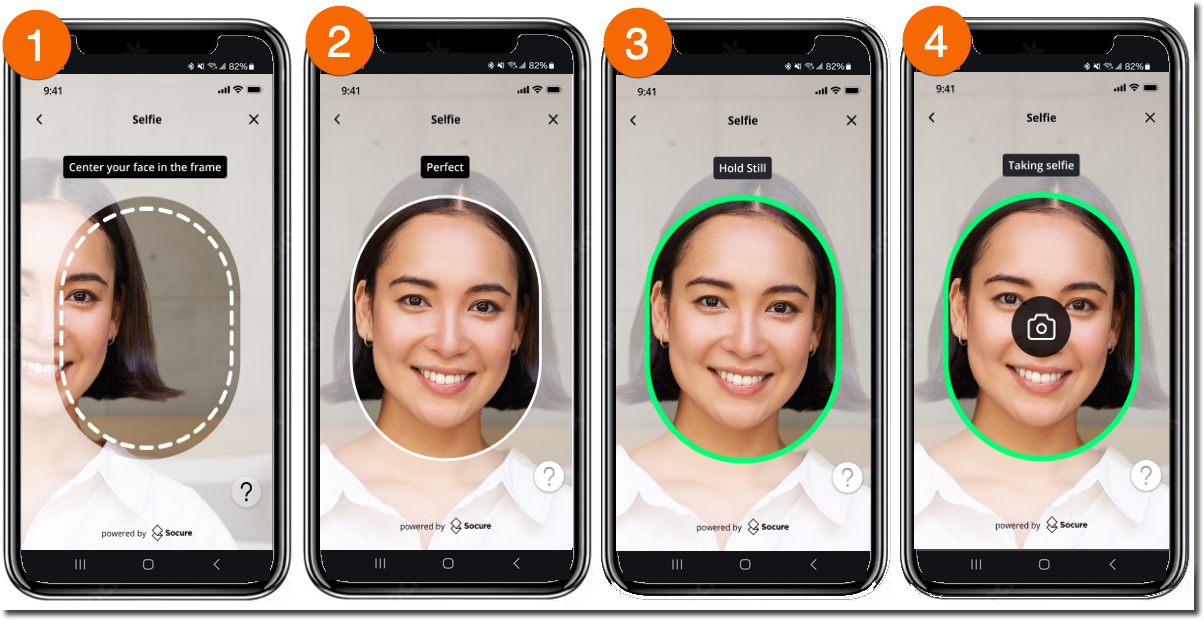
Selfie Auto-Capture
Use the Enable Selfie Auto Capture Interface setting to enable or disable the selfie auto-capture feature and apply an updated user interface for selfie capture.
Related
Updated 17 days ago