

Statuses and Sub-Statuses
Configure and manage case statuses and sub-statuses in RiskOS™ to track evaluation progress and control case management workflows.
You can add and manage statuses by clicking your profile menu (top right), selecting Settings, and navigating to Configurations > Statuses page.
Note:
When RiskOS™ is first set up for your organization, statuses are defined based on your use cases and feedback. If additional statuses are needed in the future, contact the RiskOS™ support team for assistance.
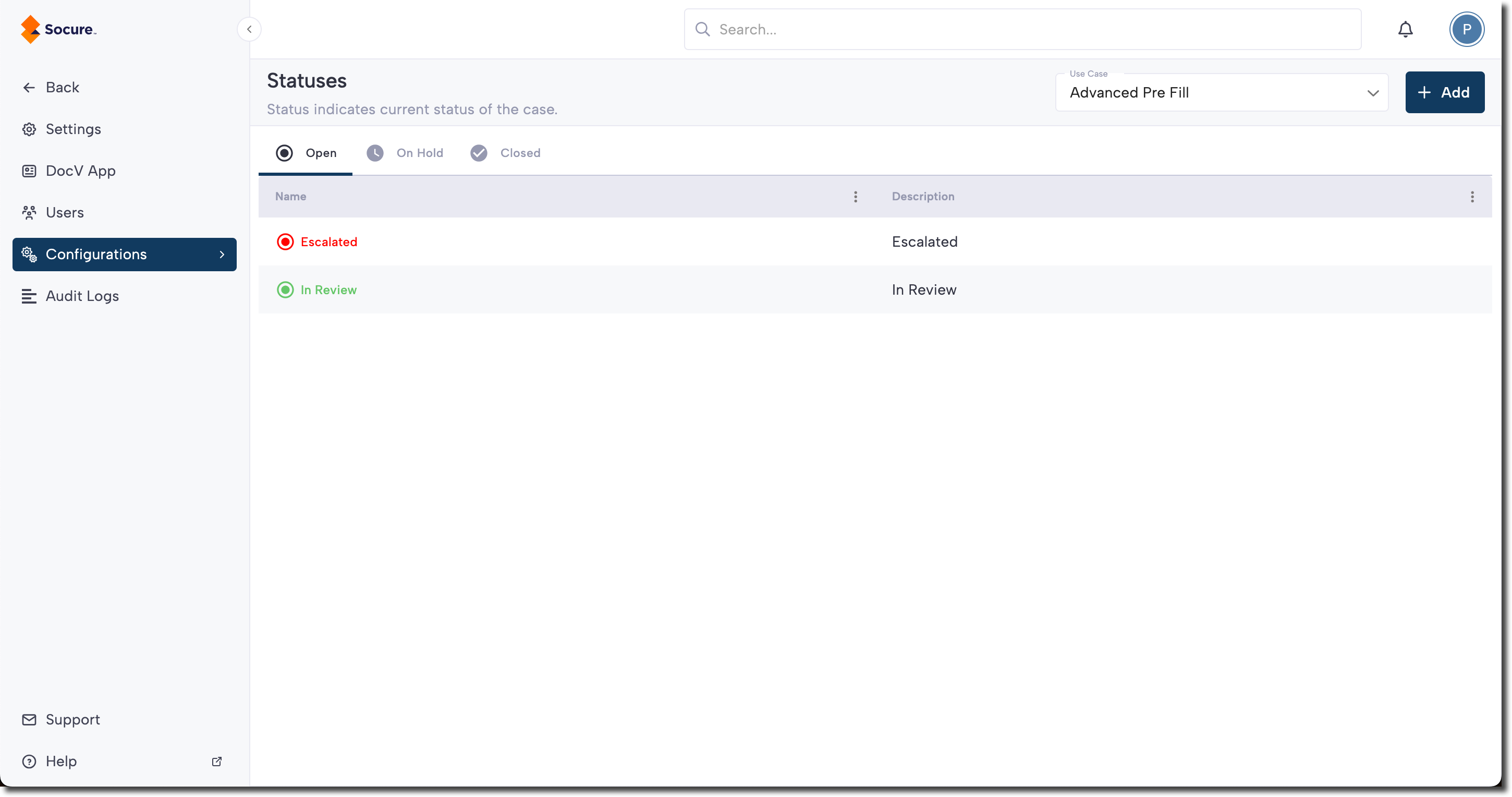
Add a status
If you have admin access, the Add button will be enabled. Clicking this button will prompt you to enter details for the new status. After saving, the status will be added to the list. Note that you cannot add a status under the parent decision "Closed".
When adding a status, you can also adjust the use case and parent status using the Add New Sub-Status menu.
Updated 6 months ago