

Digital ID (mDL) Flow
The typical sequence of Capture App screens when a consumer verifies with a Mobile Driver's License (mDL) from a digital wallet.
The Digital ID (mDL) flow lets the consumer verify their identity by presenting a Mobile Driver's License (mDL) from a supported digital wallet (such as Google Wallet or Samsung Wallet) instead of capturing images of a physical document. When you enable Digital ID acceptance on a Document Verification flow, a Verify with Digital Wallet option appears on the document selection screen. Consumers who don't have a digital ID on their device continue with standard document capture.
For enablement, verification results, and integration details, see Digital ID (mDL).
The following sequence shows a typical Digital ID flow in the Capture App:
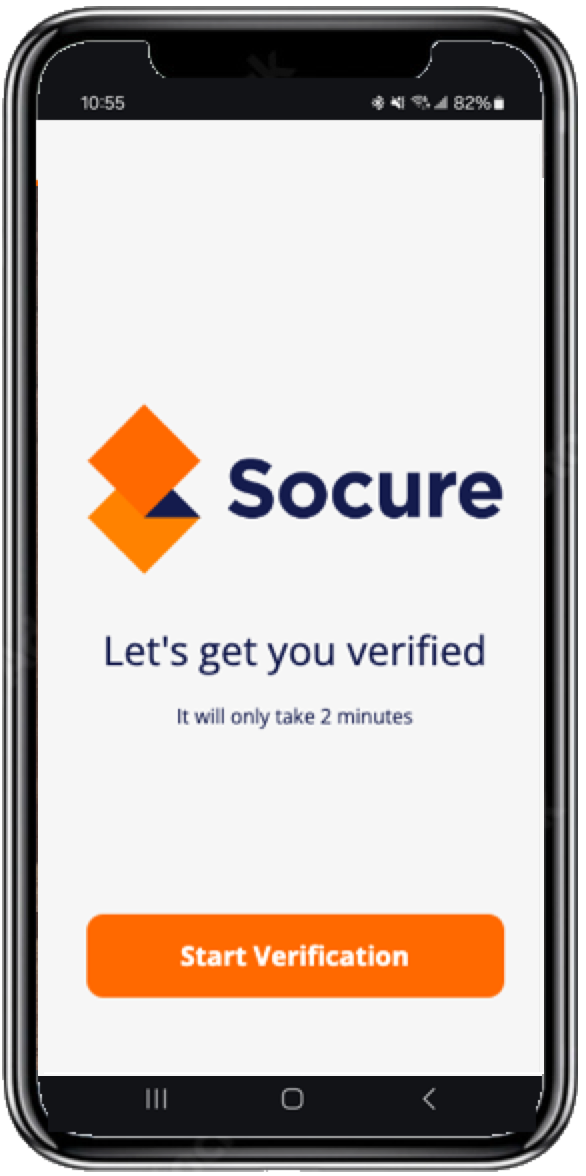
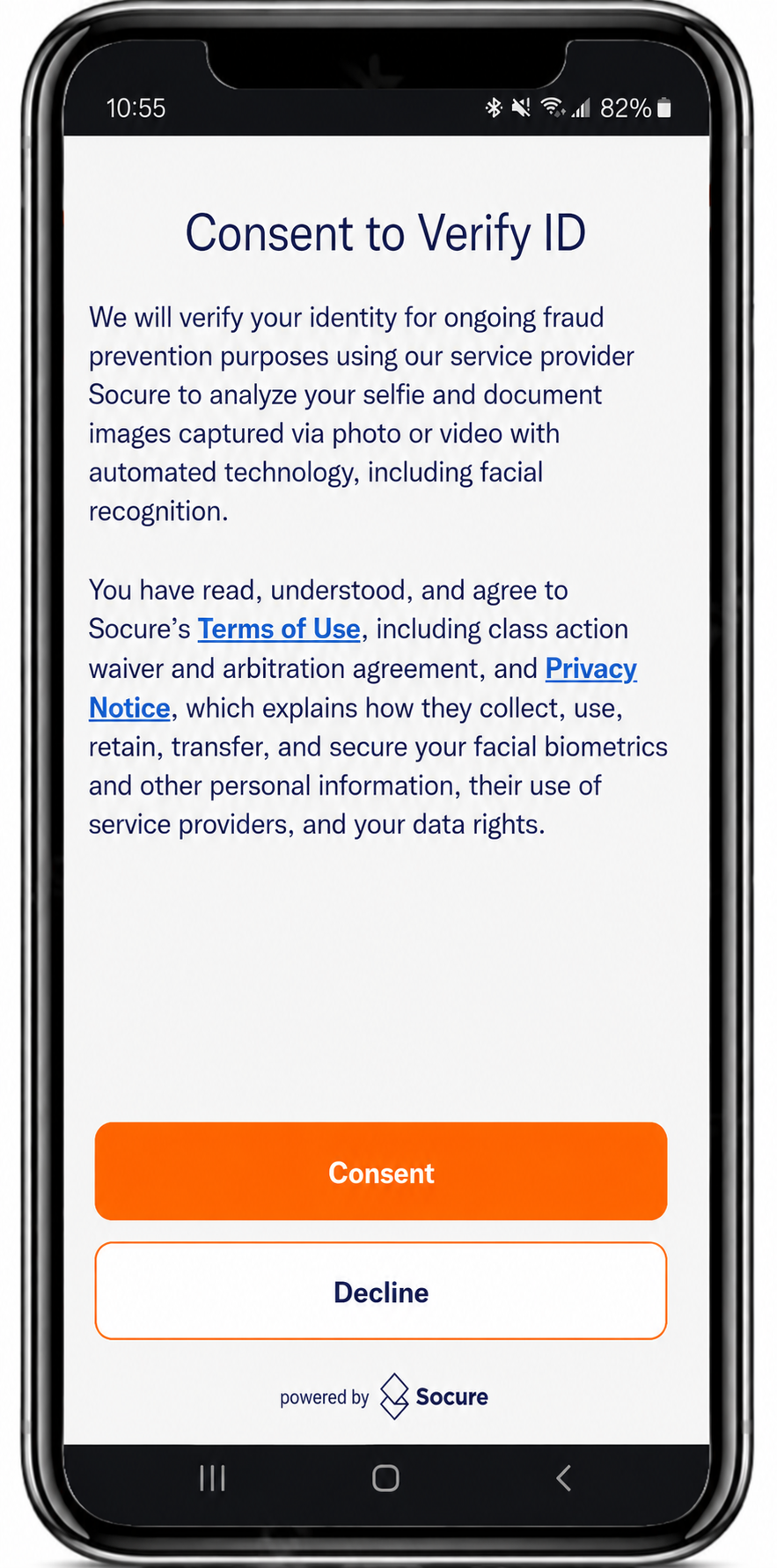
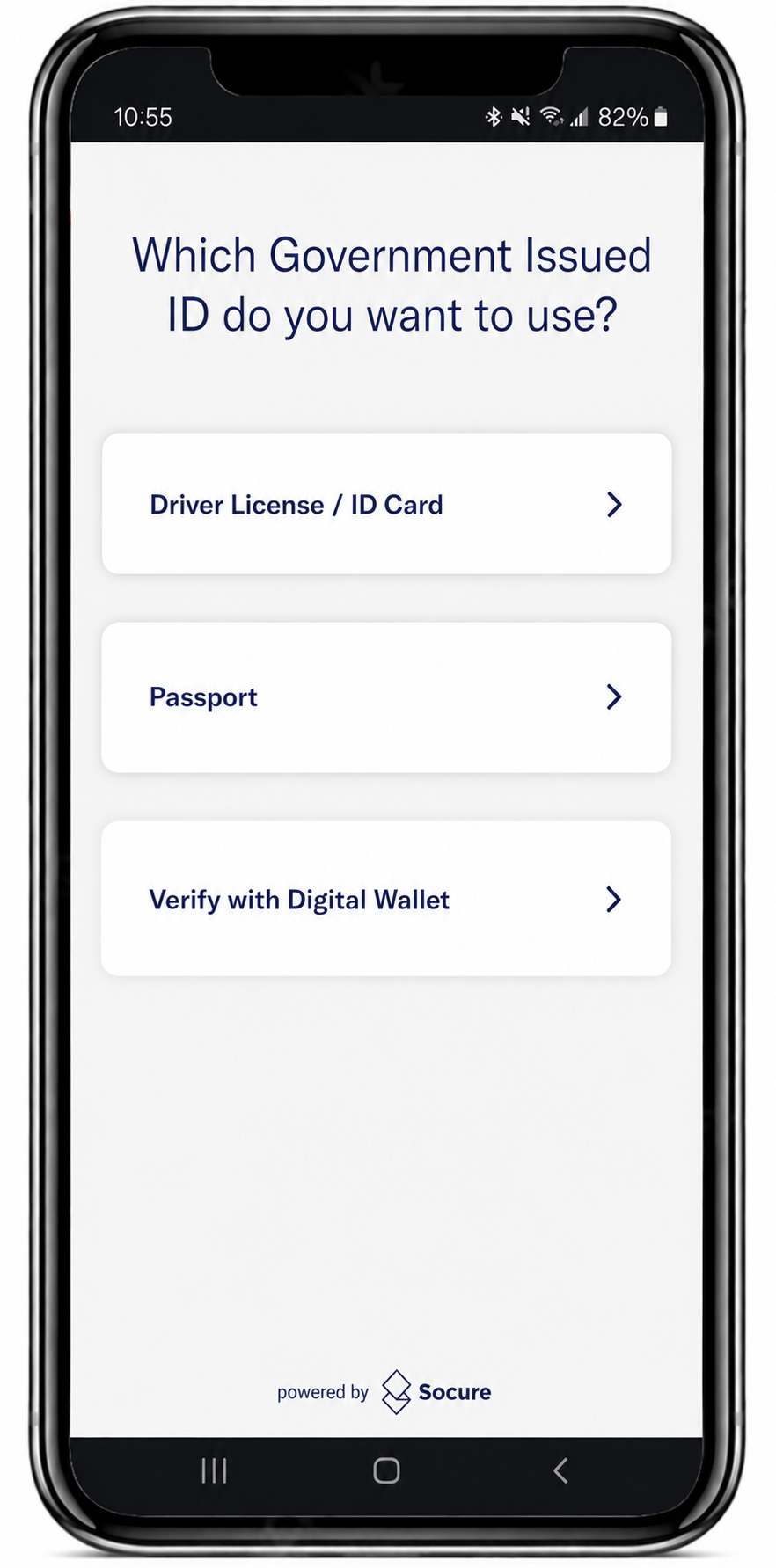
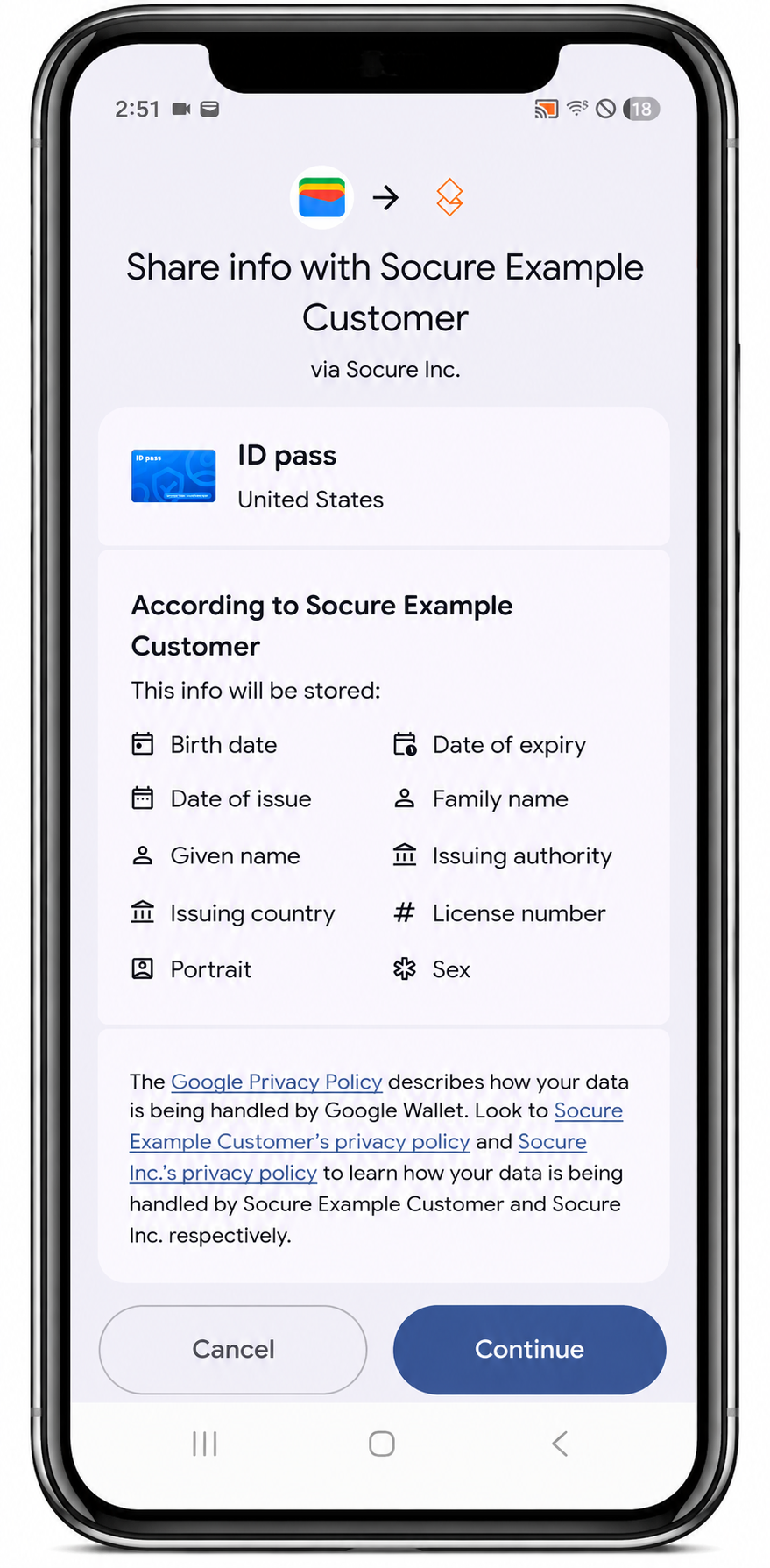
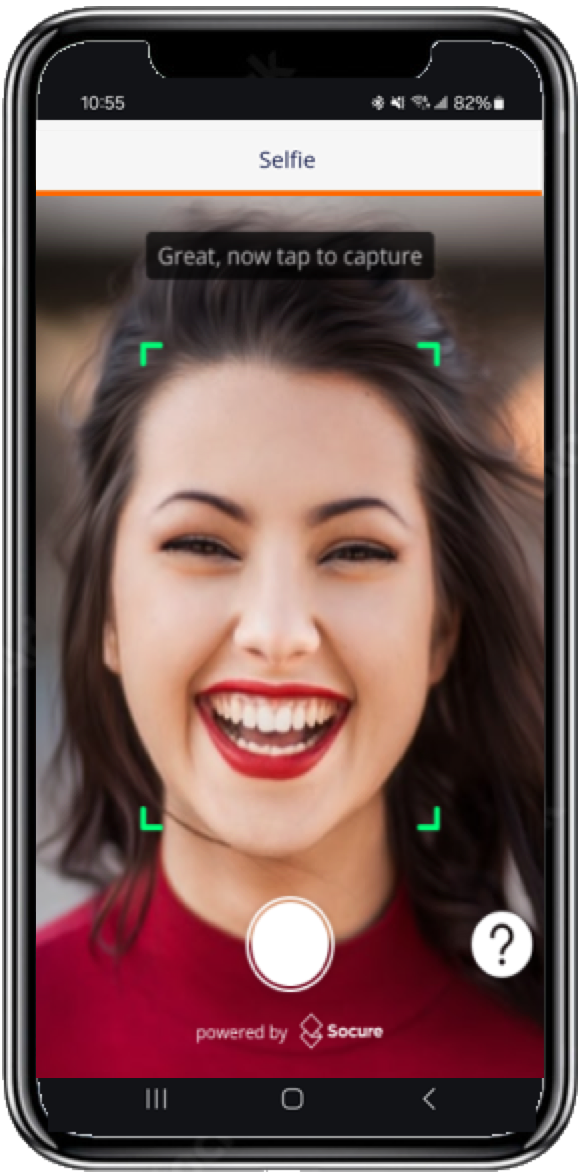
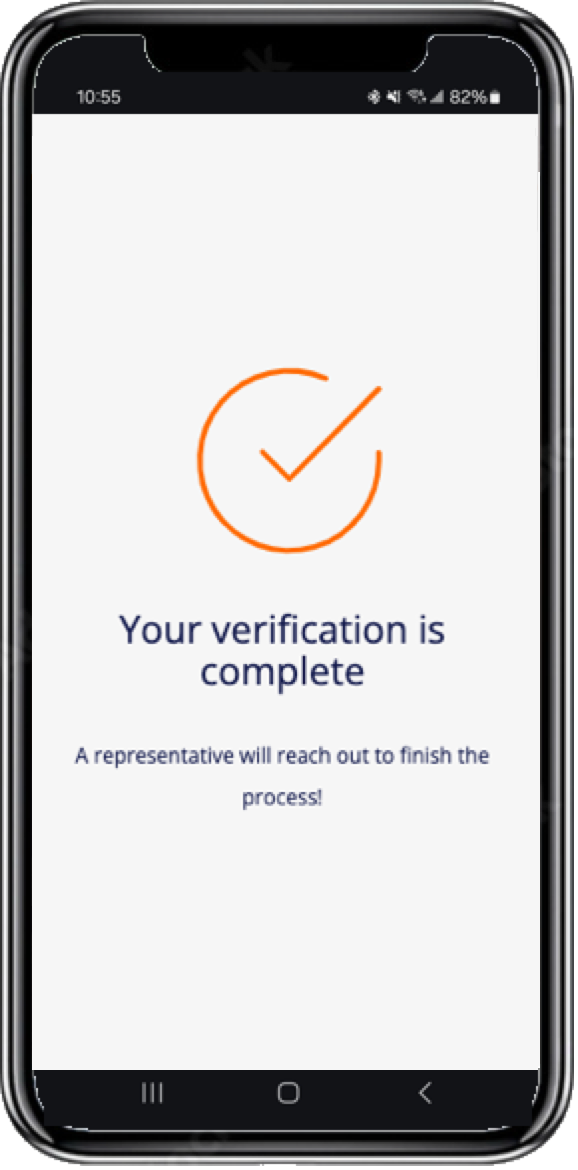
Consent Declined
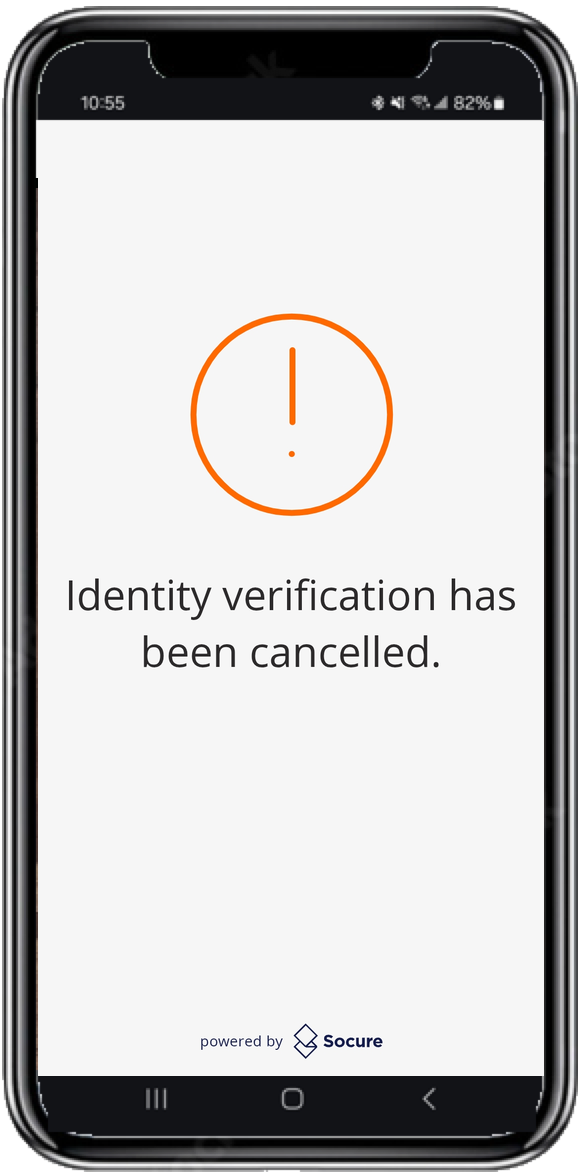
The Terms and Consent screen presents a mandatory notice that the consumer must accept before the flow begins. If the consumer declines consent, the Capture App stops the flow and displays a screen confirming that they can't continue without accepting the notice. The session ends with a terminal-negative Consent Declined outcome. To learn how your workflow resolves this outcome, see Receive DocV Results.
Note: Unlocking the credential in the wallet is a device-level step (such as Face ID, fingerprint, or PIN) and is separate from Socure's selfie check. When your flow is configured to capture a selfie, retrieving the digital ID replaces the document photo — not the selfie.
Related
Updated 18 days ago