

Direct Customer
As a direct customer, create and manage product settings profiles for your own account.
As a direct customer, you create and manage product settings profiles directly in your management account — the RiskOS™ account you administer for your own organization. A product settings profile is a reusable, named configuration for a single Socure product that you apply to the enrichment steps in your workflows.
Product settings profiles are available for the following products:
- Verify
- Verify Plus
- Watchlist Standard
- Watchlist Plus
- Watchlist Premier
- Document Verification (DocV)
- Secondary Document Capture
- Selfie Reverification
- Selfie Intelligence
What a profile contains
Each profile is scoped to a single product and a single environment, and stores the configuration applied when that product runs:
| Attribute | Description |
|---|---|
| Profile name | A label you choose to identify the profile when you assign it to a workflow step. |
| Product | The Socure product the profile configures. |
| Environment | The environment the profile applies to — Sandbox or Production. Maintain separate profiles per environment. |
| Settings | The product-specific configuration values the profile applies during evaluation. |
RiskOS™ records audit details for each profile — who created it, who last updated it, and when — so you can track changes over time.
Manage profiles in your management account
From your management account, you can:
- Create a profile for a product and configure its settings.
- Edit an existing profile. Updated settings apply to every workflow step that references the profile.
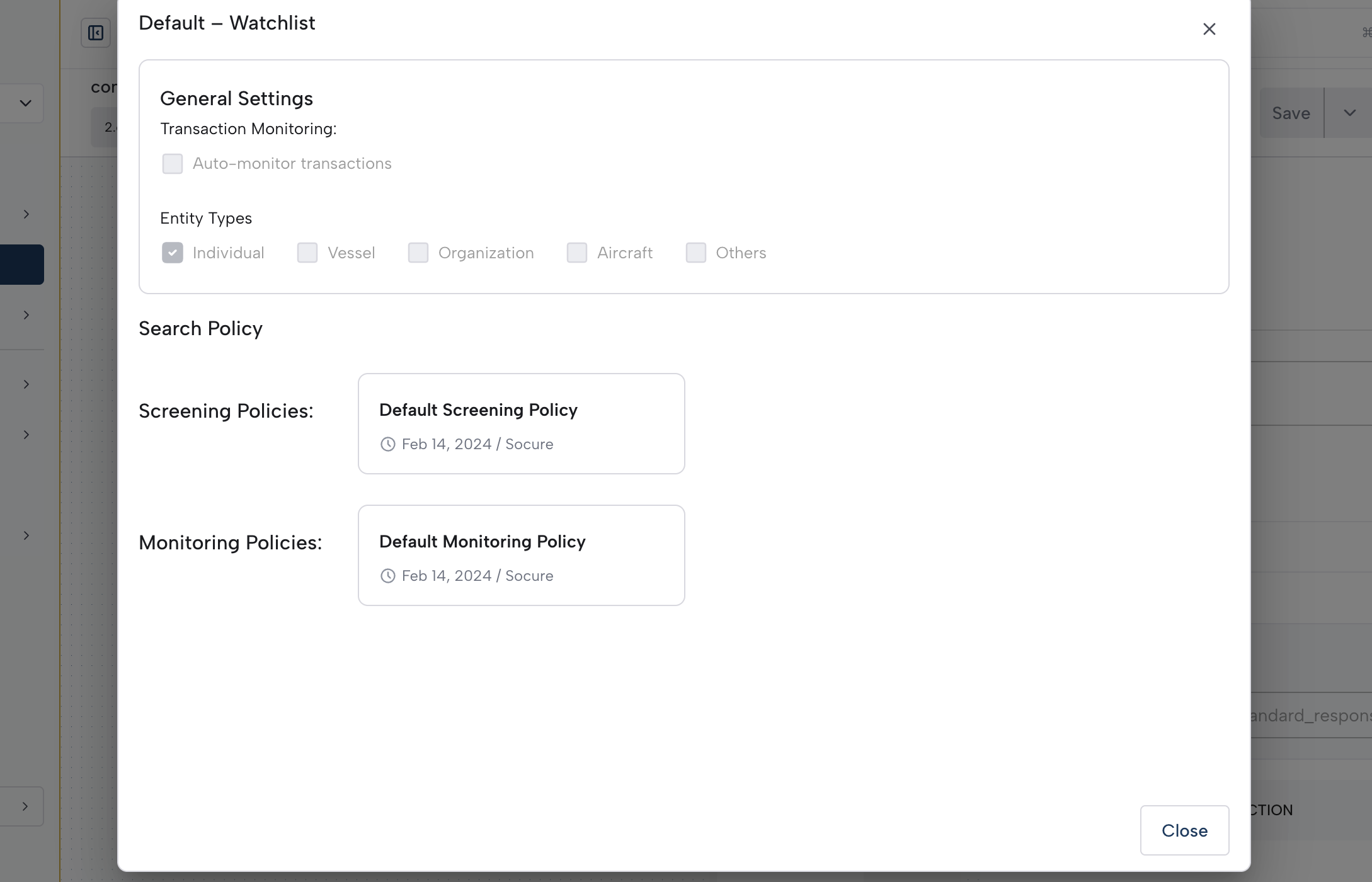
- View a profile's current configuration.
- Delete a profile you no longer need.
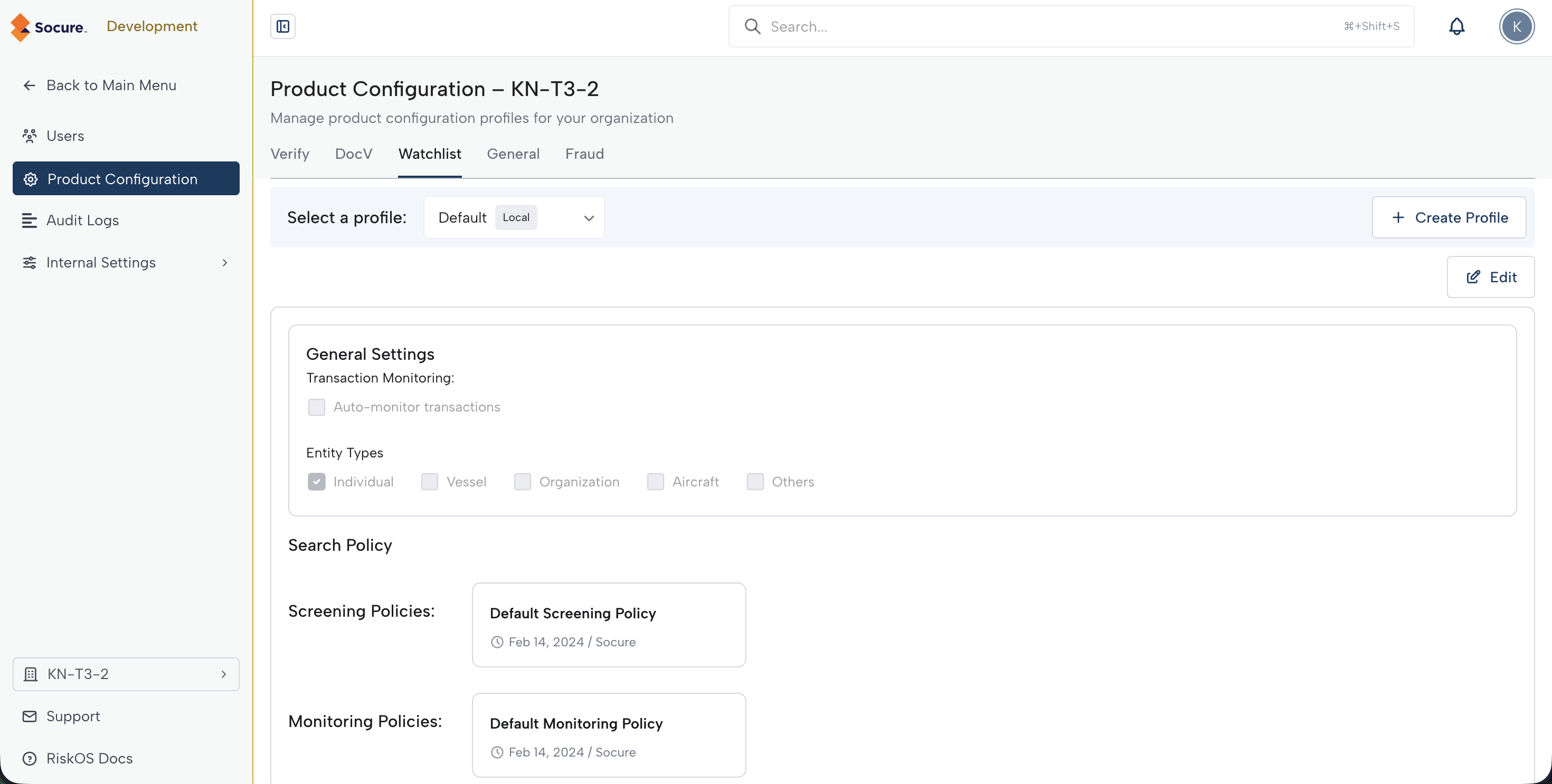
Because you administer your own account directly, the profiles you create are local to that account. As a direct customer, you do not inherit profiles from, or share profiles with, any other account.
Apply a profile to a workflow
A profile takes effect when you assign it to a supported enrichment step — Verify, DocV, or Watchlist — in a workflow. The step then runs with that profile's configuration during evaluation. If you update the assigned profile later, the step uses the updated settings the next time the workflow runs.
Important:
Before deleting a profile, verify that no active workflow steps reference it. Removing a profile that a workflow depends on can cause evaluation errors.
Updated 29 days ago