

Settings
Customize RiskOS™ dashboard configurations for tags, statuses, and queues to streamline case management workflows.
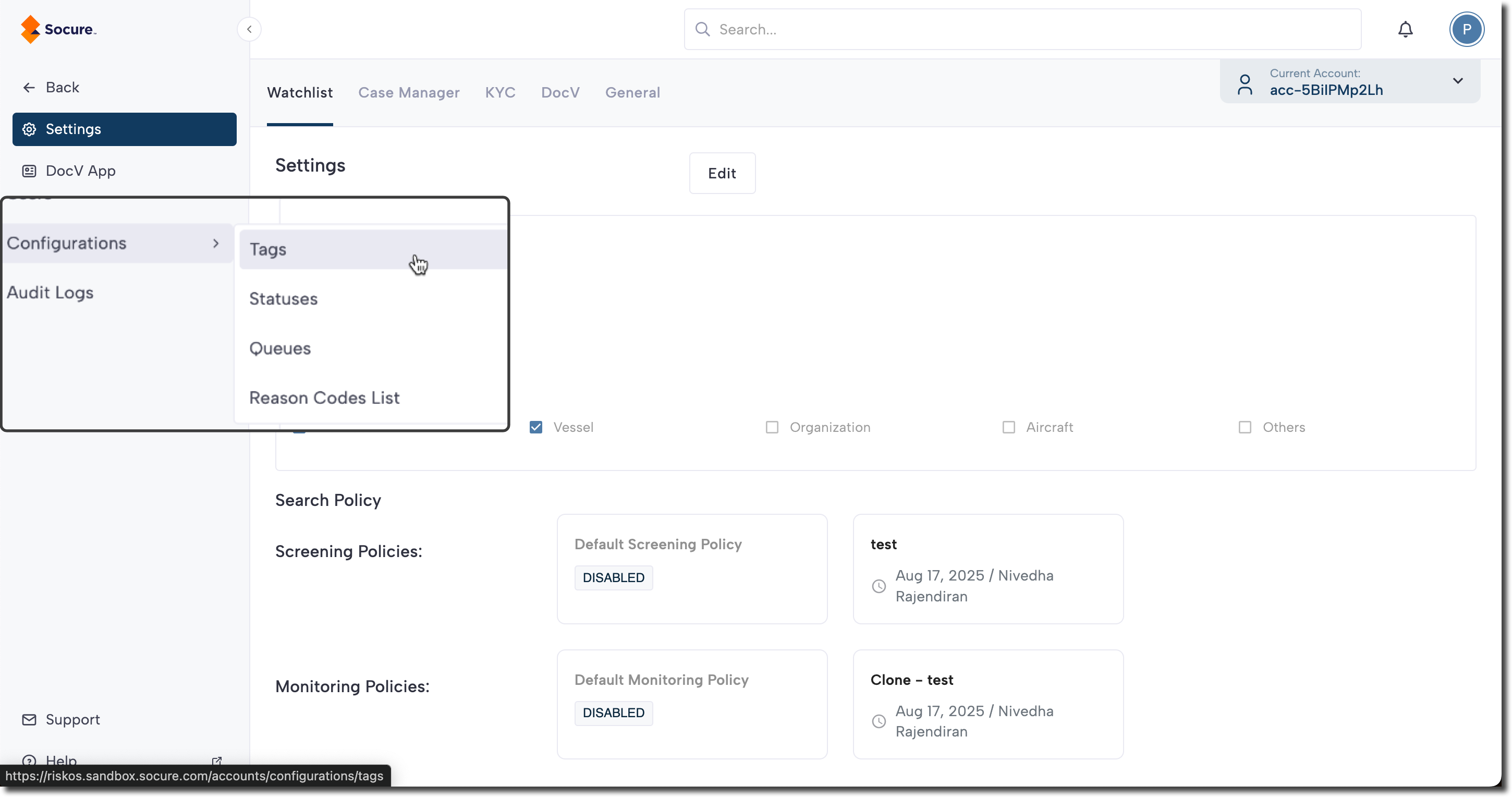
The Configurations section in RiskOS™ allows you to customize certain settings to streamline workflows and manage cases more efficiently.
Configuration areas
-
Tags & Tag Groups: Create and organize tags into tag groups to categorize and add metadata to workflows and cases.
-
Statuses: Configure and update statuses for cases and workflows to track progress and control case management.
-
Queues: Add and manage queues for specific use cases to prioritize and route tasks more effectively.
You can access the Configuration menu options by clicking your profile menu (top right), then selecting Settings.
Updated about 1 month ago
Did this page help you?