

Secondary Document Capture Flow
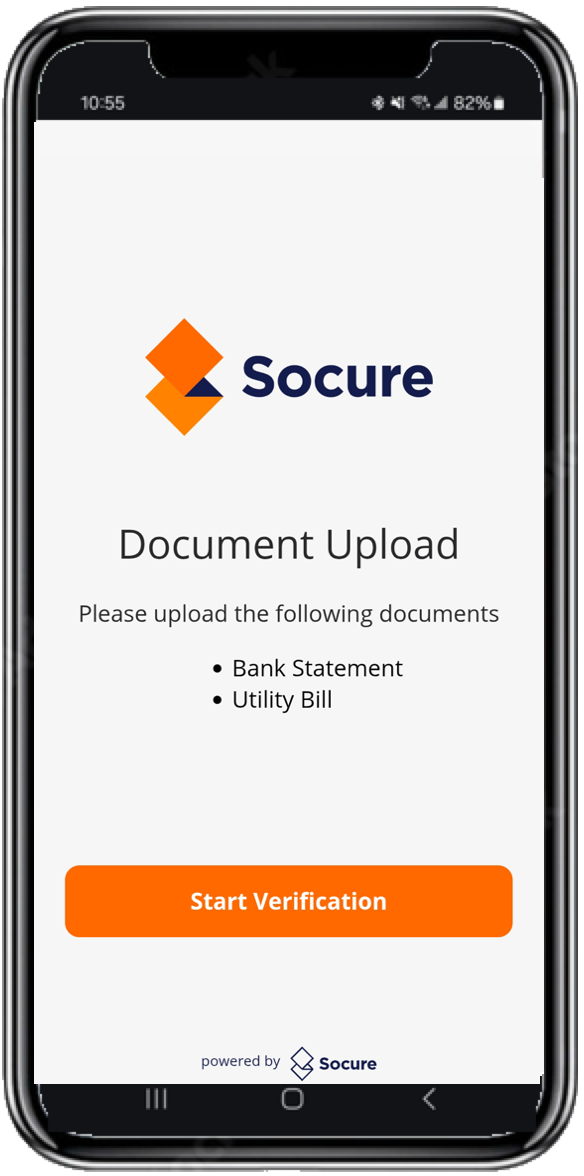
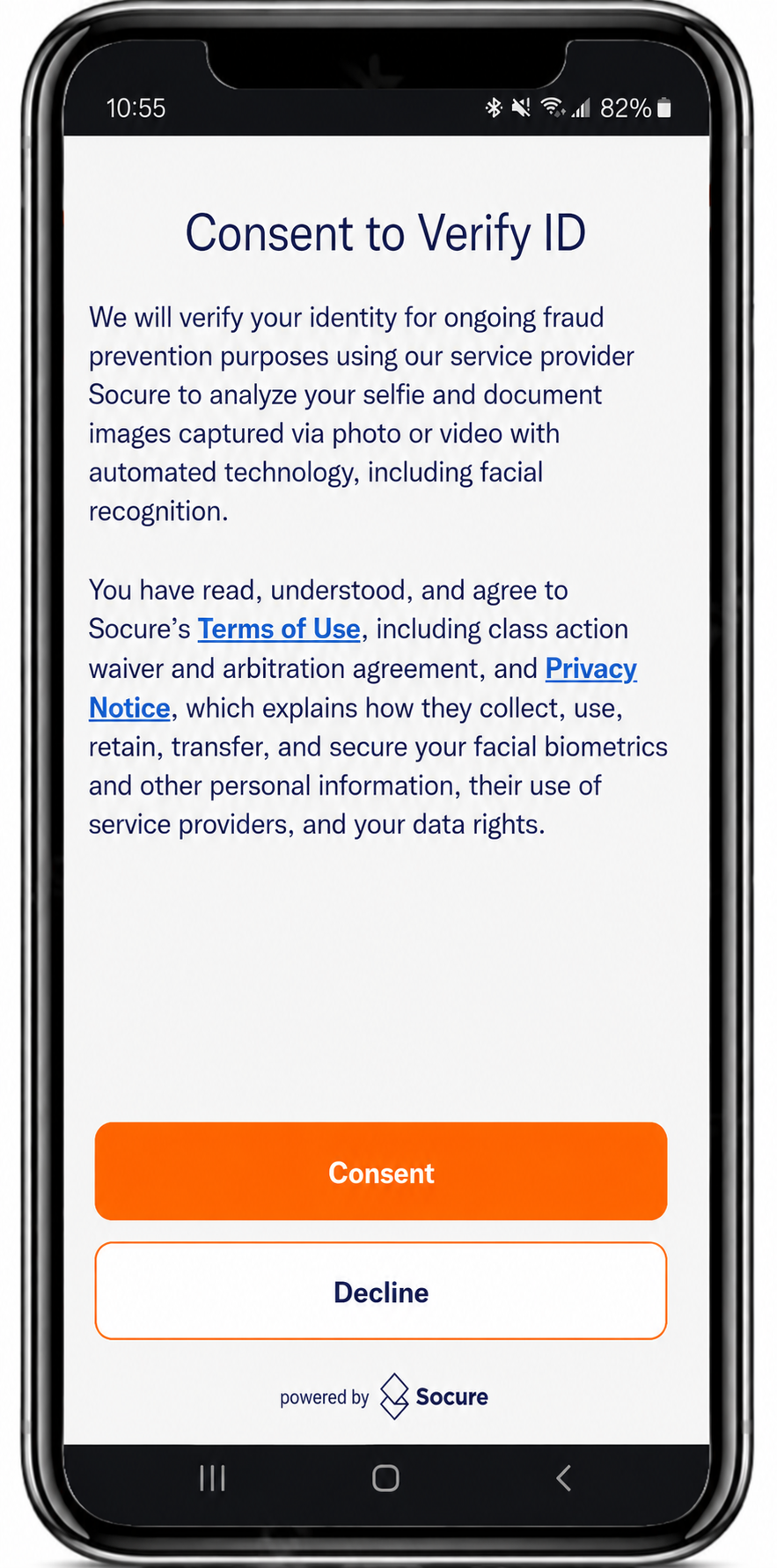
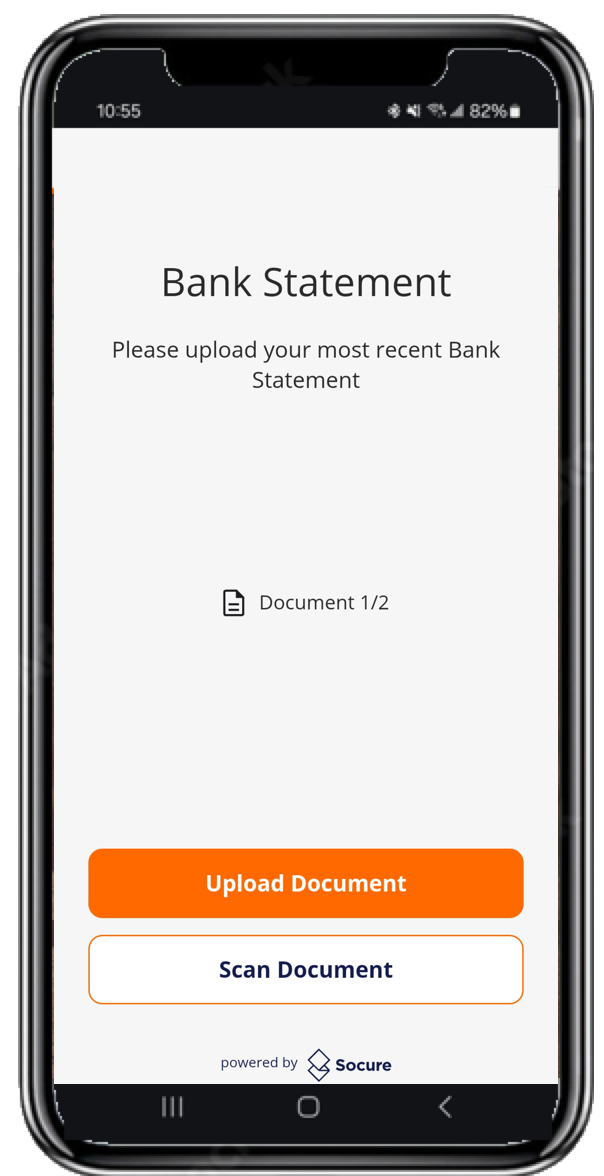
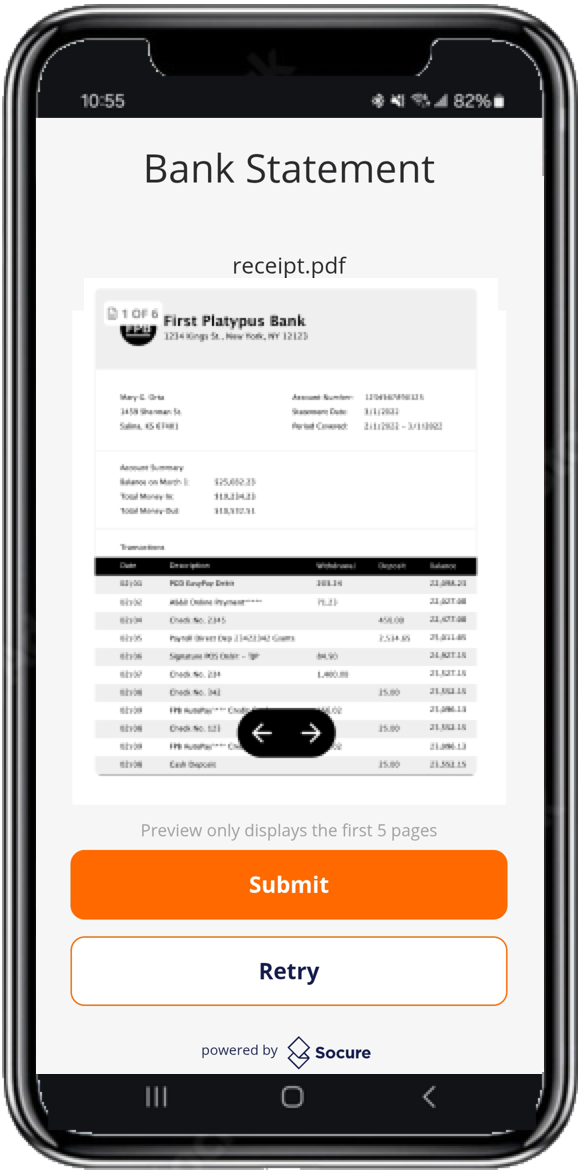
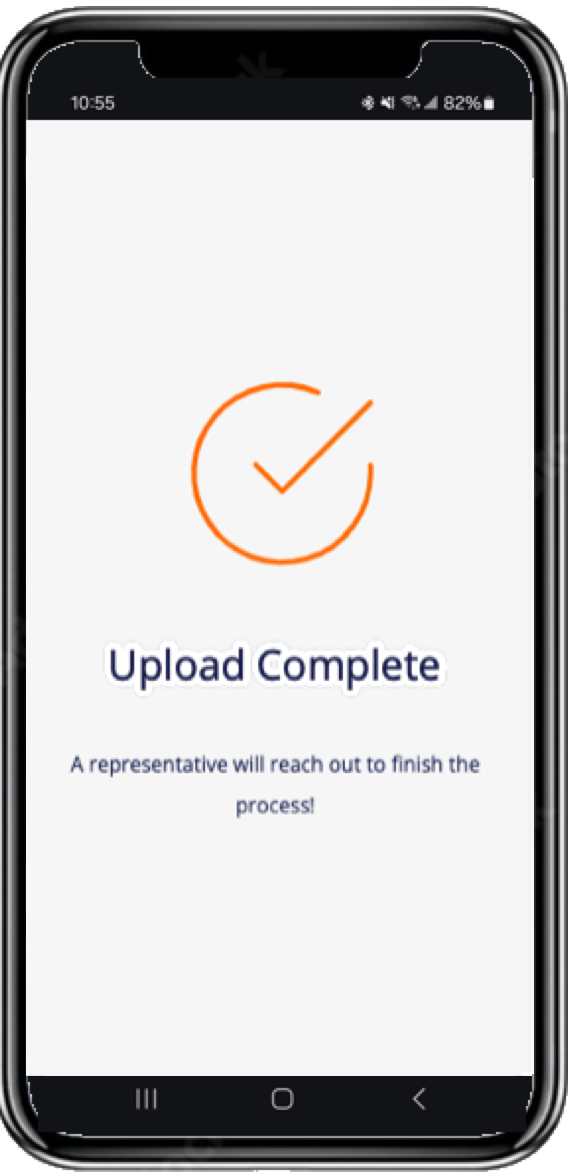
The typical sequence of Capture App screens when a consumer captures or uploads a supplementary document.
The Secondary Document Capture flow in the Capture App enables consumers to capture or upload supplementary documents (such as utility bills or bank statements) to enhance the verification process and reduce fraud.
When a Secondary Document flow is triggered, the consumer submits documents through the Capture App using either a single page capture or by uploading the file. After the Capture App uploads the documents to Socure's servers, you can then review the documents in the RiskOS™ Dashboard or retrieve them via GET request to the Evaluation endpoint.
Consent Declined
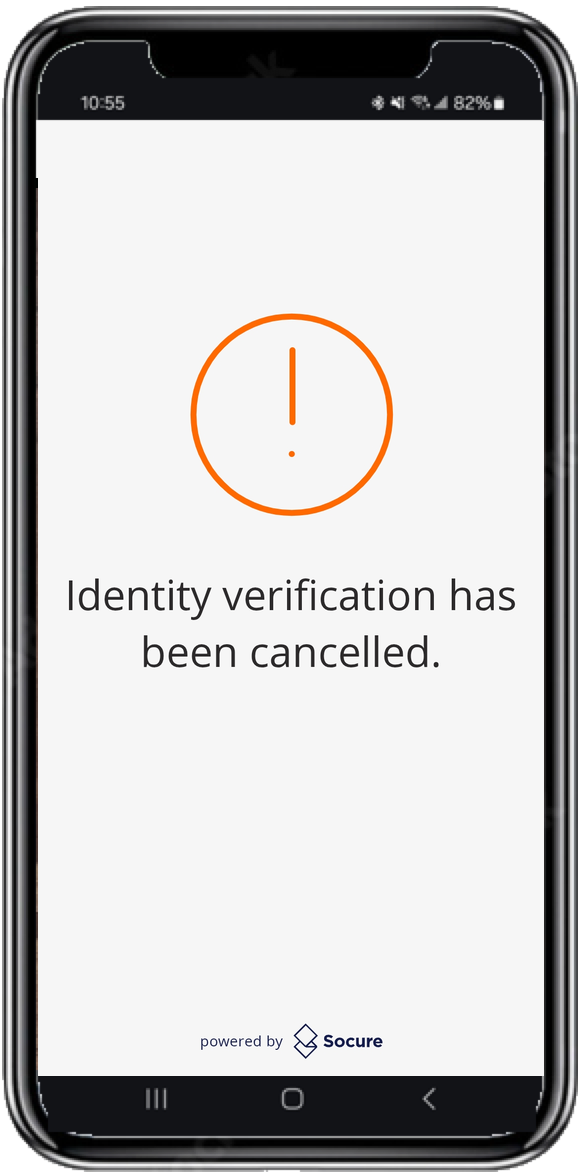
The Terms and Consent screen presents a mandatory notice that the consumer must accept before capture begins. If the consumer declines consent, the Capture App stops the flow and displays a screen confirming that they can't continue without accepting the notice. The session ends with a terminal-negative Consent Declined outcome. To learn how your workflow resolves this outcome, see Receive DocV Results.
Related
Updated 17 days ago