

Modify a Case Queue
Add, edit, or delete case queues in RiskOS™ Case Management to organize fraud review workflows for your team.
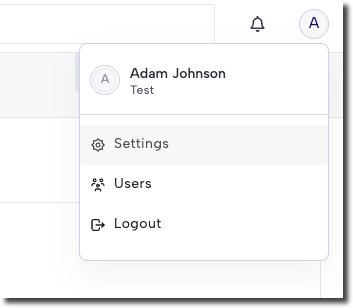
To modify a Queue in RiskOS™, click your profile menu (top right), then click Settings.
Add a new Queue
- On the Configurations > Queues page, click + Add.
- In the Add New Queue dialog, enter a name and description for the Queue.
- Click Save.
Edit a Queue
Editing Queues is not yet supported in RiskOS™. To update the name of a Queue, email [email protected] with the Queue details, and our team will assist you.
Delete a Queue
On the Queues page, click the trashcan icon next to the Queue you want to delete. Note that only site admins have permission to delete Queues.
Updated 6 months ago
Did this page help you?