

Selfie Reverification Flow
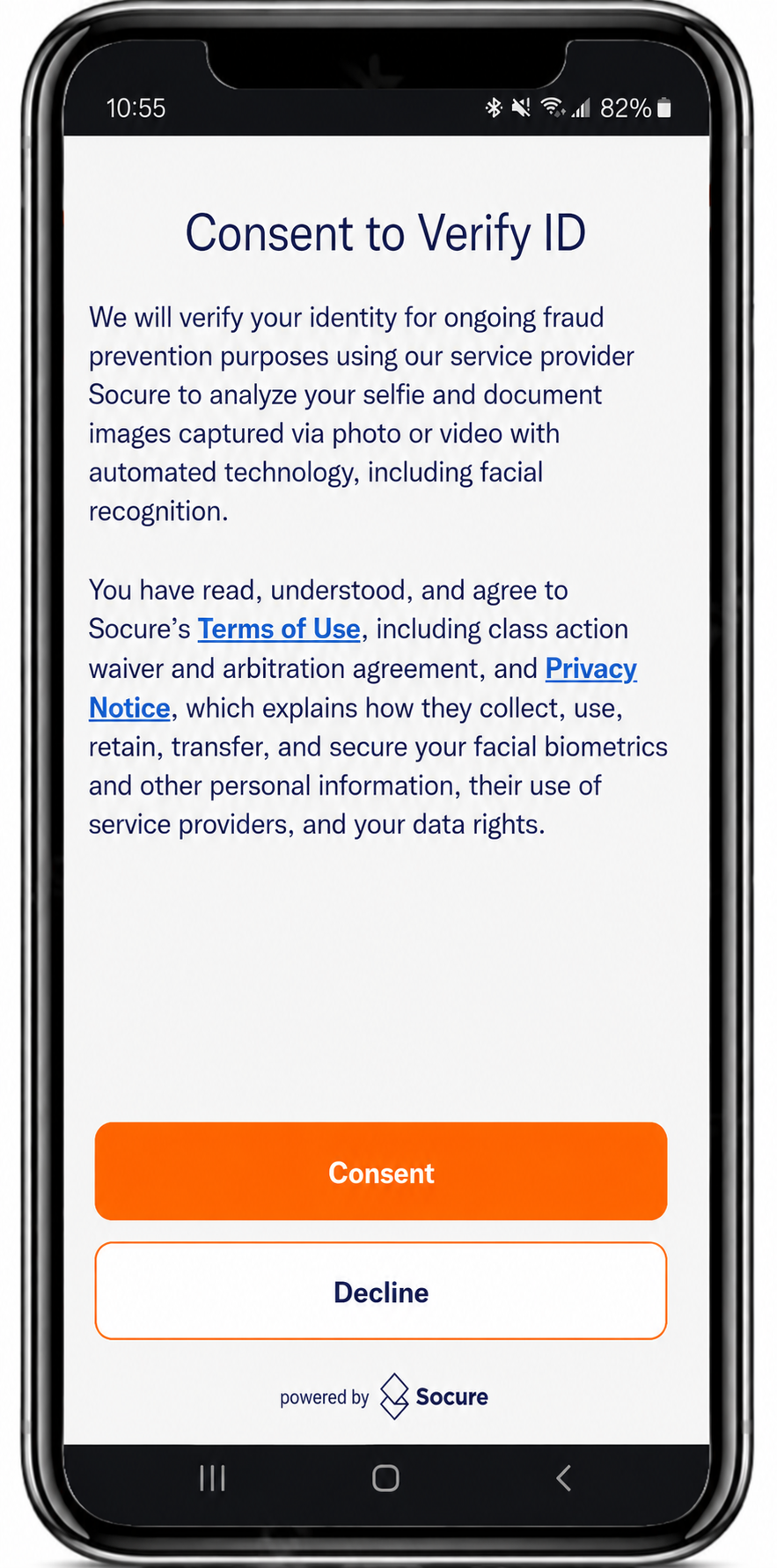
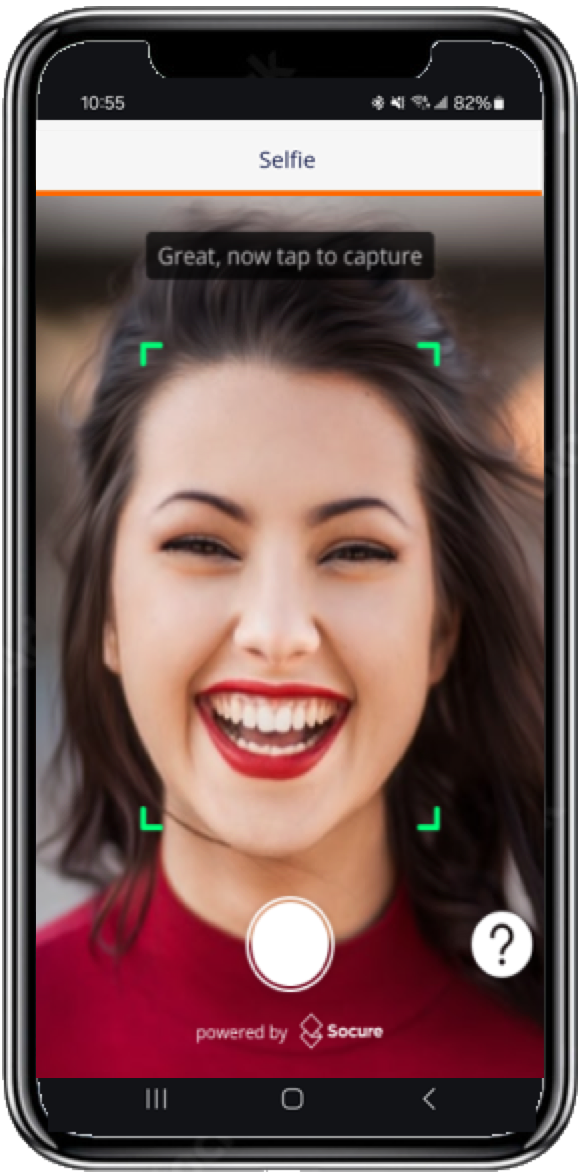
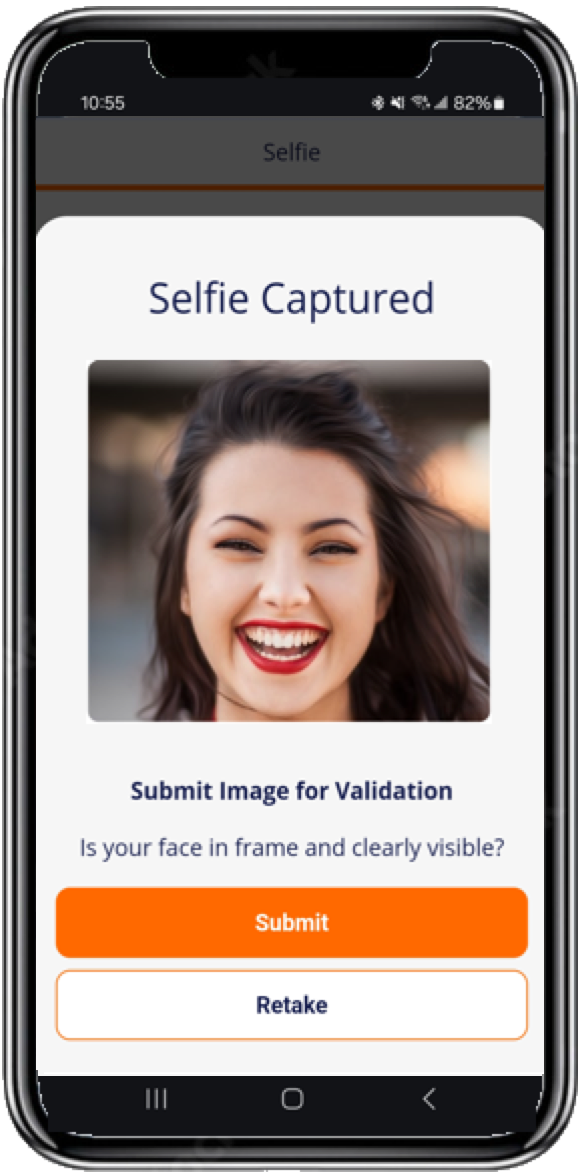
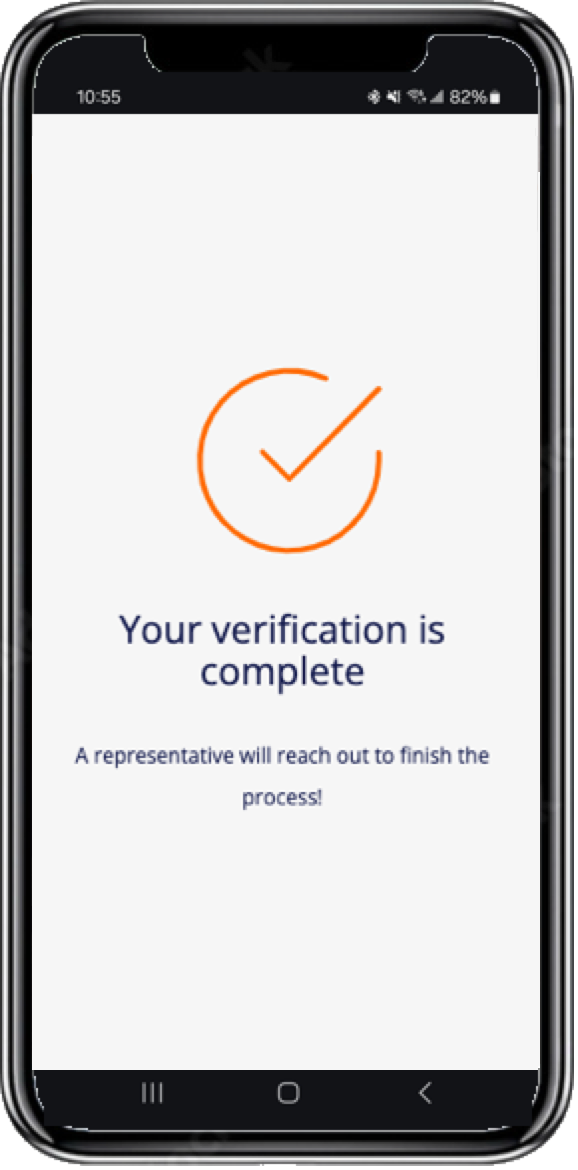
The typical sequence of Capture App screens when a returning consumer reverifies with a new selfie.
The Selfie Reverification flow in the Capture App is primarily used for reverifying consumers who have already completed the DocV process and received approval from the Predictive Document Verification module.
When a Selfie Reverification flow is triggered, the consumer submits a new selfie through the Capture App. The selfie then undergoes a liveness check that prevents fraudsters from using images of images or injected streams.
Consent Declined
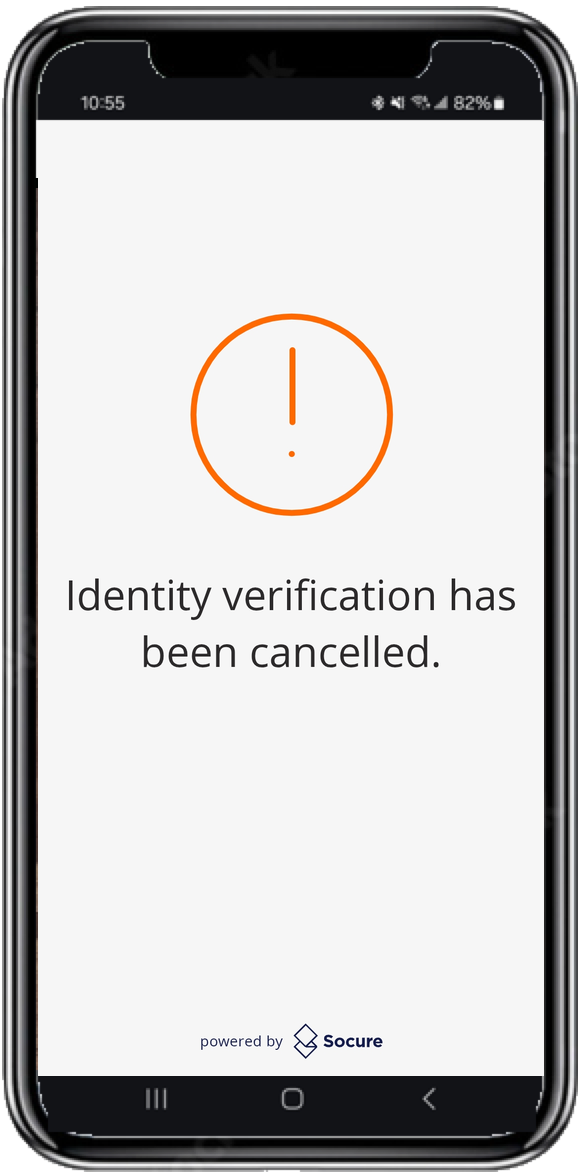
The Terms and Consent screen presents a mandatory notice that the consumer must accept before capture begins. If the consumer declines consent, the Capture App stops the flow and displays a screen confirming that they can't continue without accepting the notice. The session ends with a terminal-negative Consent Declined outcome. To learn how your workflow resolves this outcome, see Receive DocV Results.
Selfie Auto-Capture
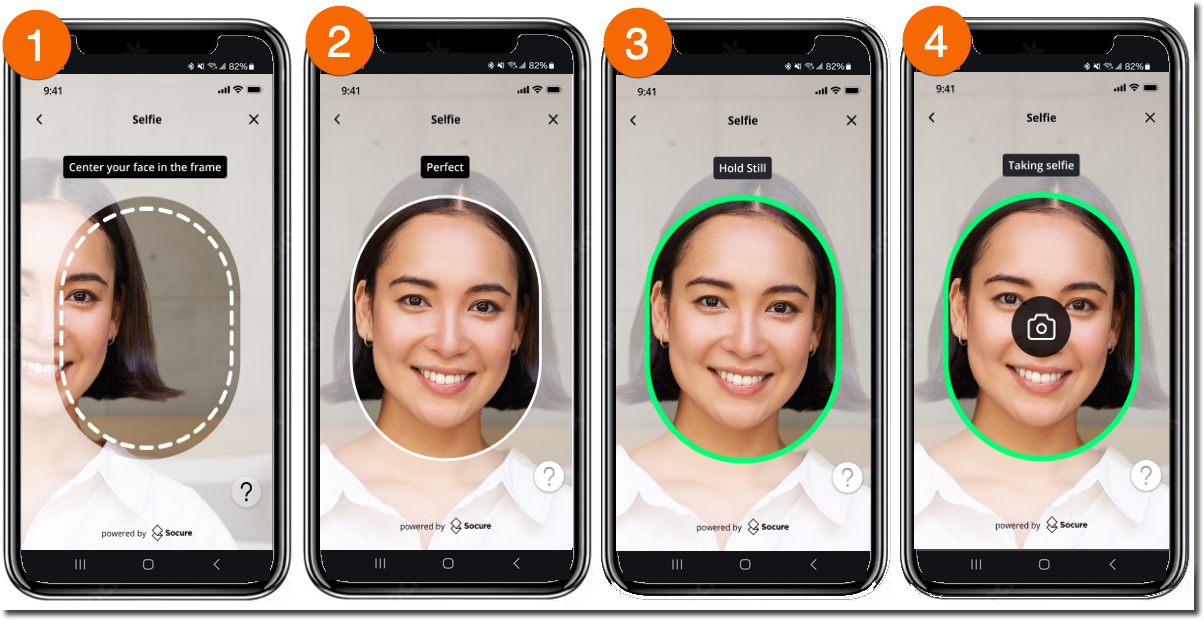
Use the Enable Selfie Auto Capture Interface setting to enable or disable the selfie auto-capture feature and apply an updated user interface for selfie capture.
Related
Updated 17 days ago