

Account Management V1
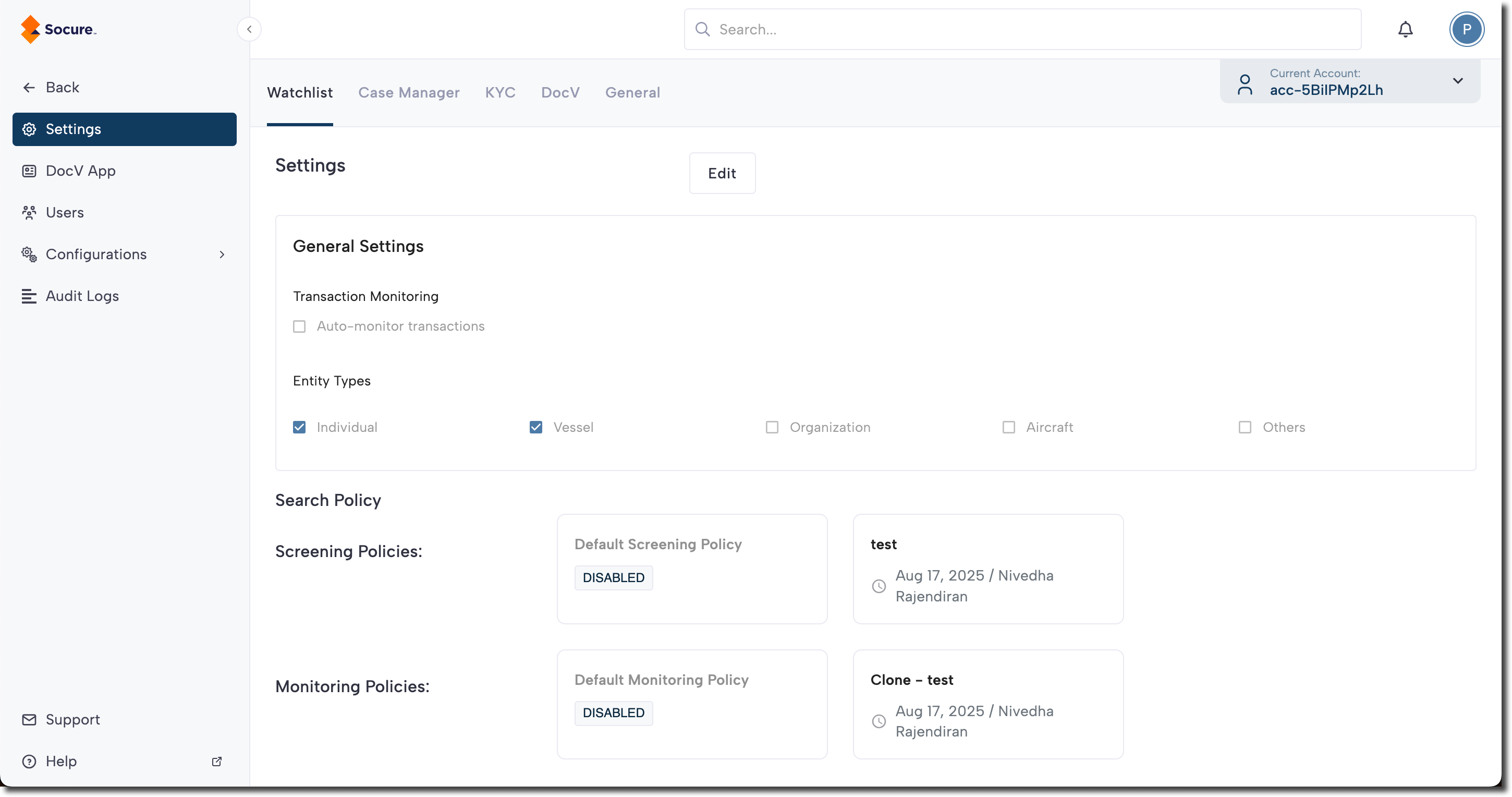
Configure default settings for Socure Verify (KYC), Watchlist, and Predictive DocV from the Settings page.
You can configure the default settings for Socure Verify (KYC), Watchlist, and Predictive DocV using the tabs on the Settings page.
To access these settings, click your profile menu (top right), and select Settings.
For detailed guidance on configuring settings for these products, see the following articles:
Updated about 2 months ago
Did this page help you?