

Review Queues
Create and manage review queues in RiskOS™ to prioritize and route case management tasks by use case for fraud and risk operations.
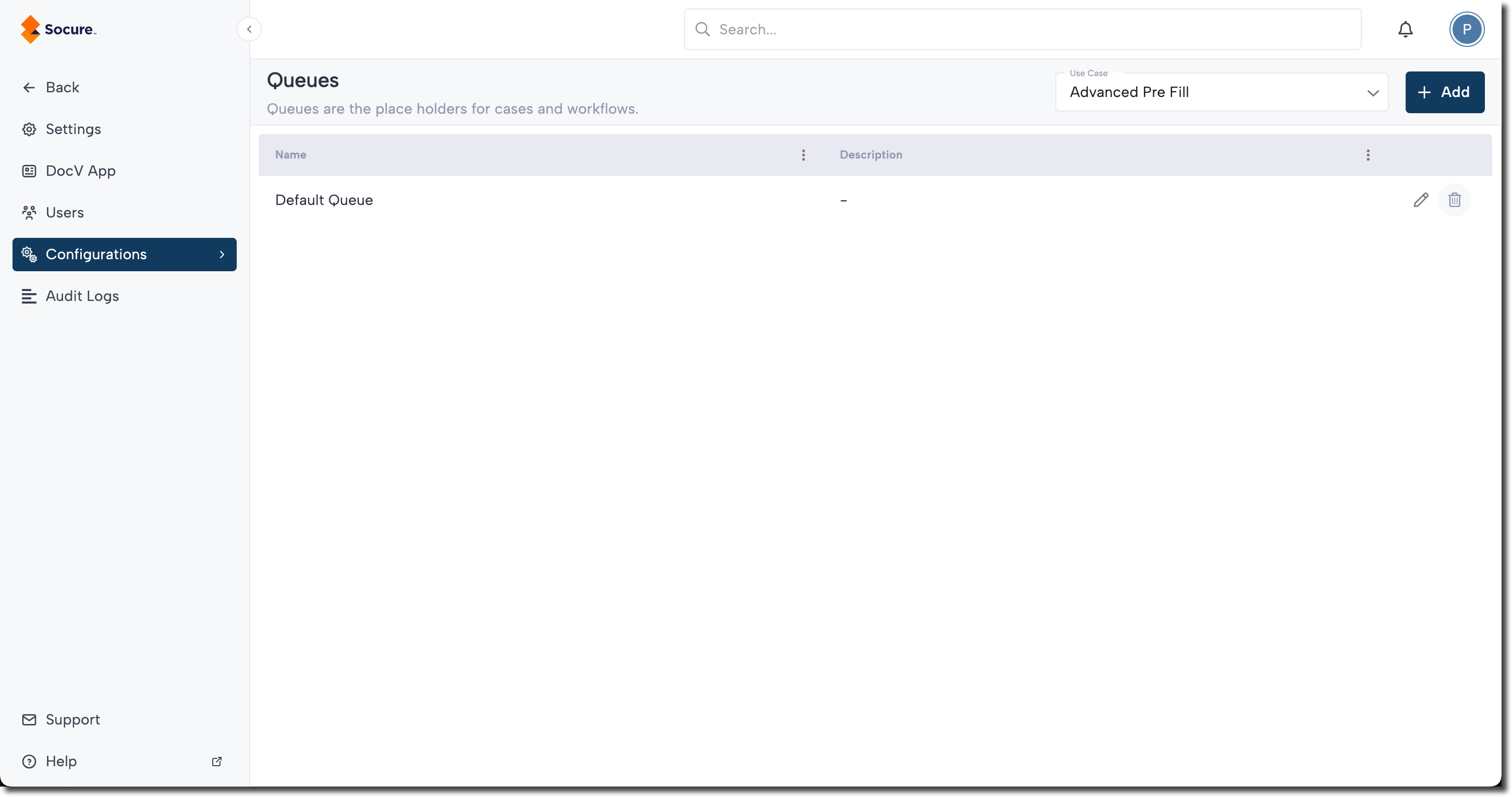
You can add and manage queues by clicking your profile menu (top right), selecting Settings, and navigating to Configurations > Queues page.
Select Queues to view a list of existing queues, organized by their associated use case. The list displays the name and description of each queue.
Add a new queue
If you have admin access, the Add button in the top corner will be enabled. Clicking it prompts you to provide the details required to create a queue. Once you save the information, the new queue is added to the list.
Note:
You must create a new queue for each use case, even if they share the same name. Queues are specific to the use case they were created for.
Updated 6 months ago