

Channel Partner
Manage product settings profiles from your management account and share global and local profiles across client accounts.
As a Channel Partner, you create and manage product settings profiles from your management account and make them available to the client accounts you administer. How a profile is shared depends on whether it is created in the management account or in the context of an individual client.
Management Account
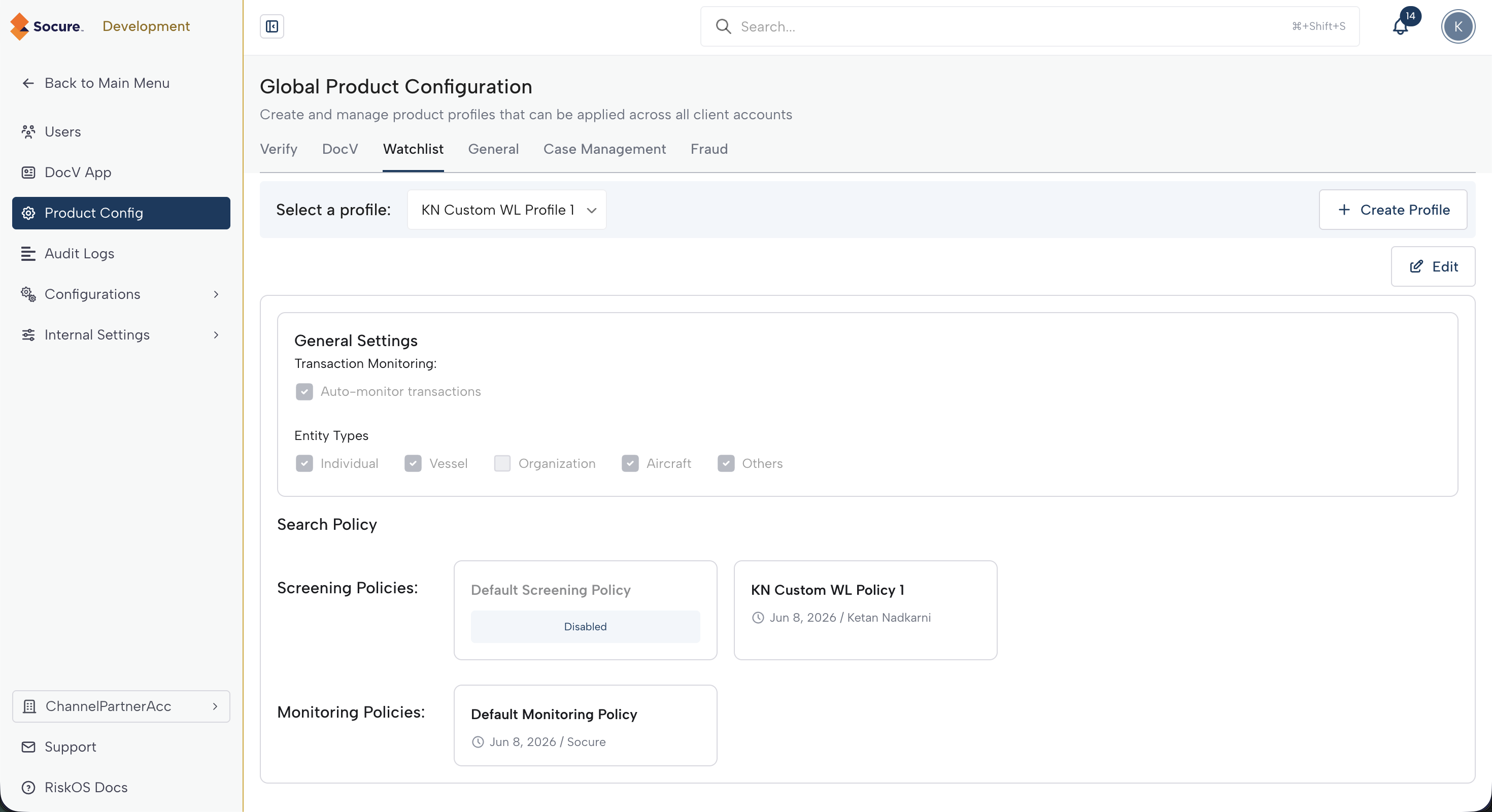
From your management account, you create and manage the product settings profiles that you make available to client accounts. Profiles created in the management account are global profiles — they are visible and available for use in every client account you administer, both centrally managed and standalone. Use global profiles to apply consistent product settings across your clients.
Centrally Managed Client
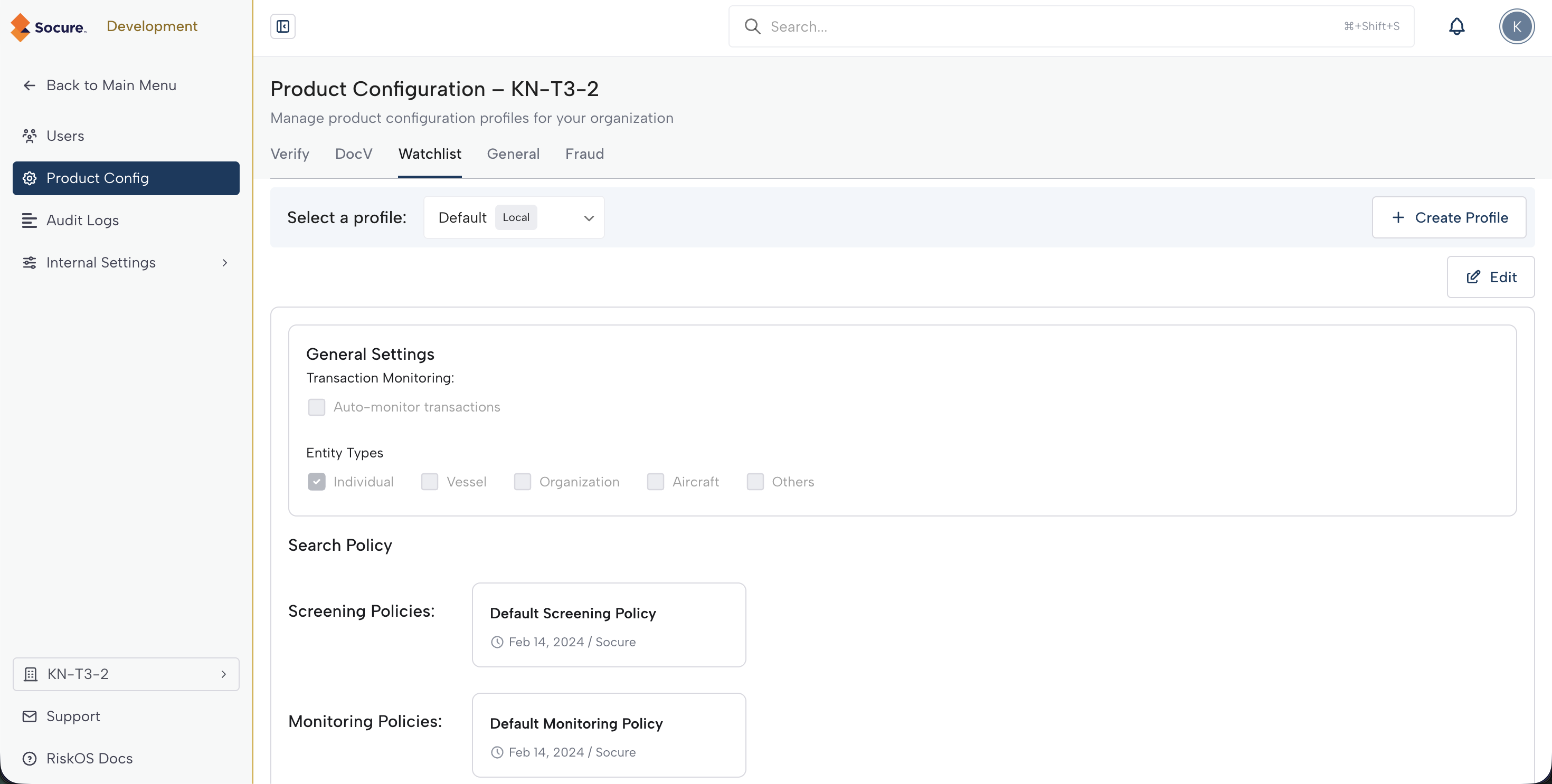
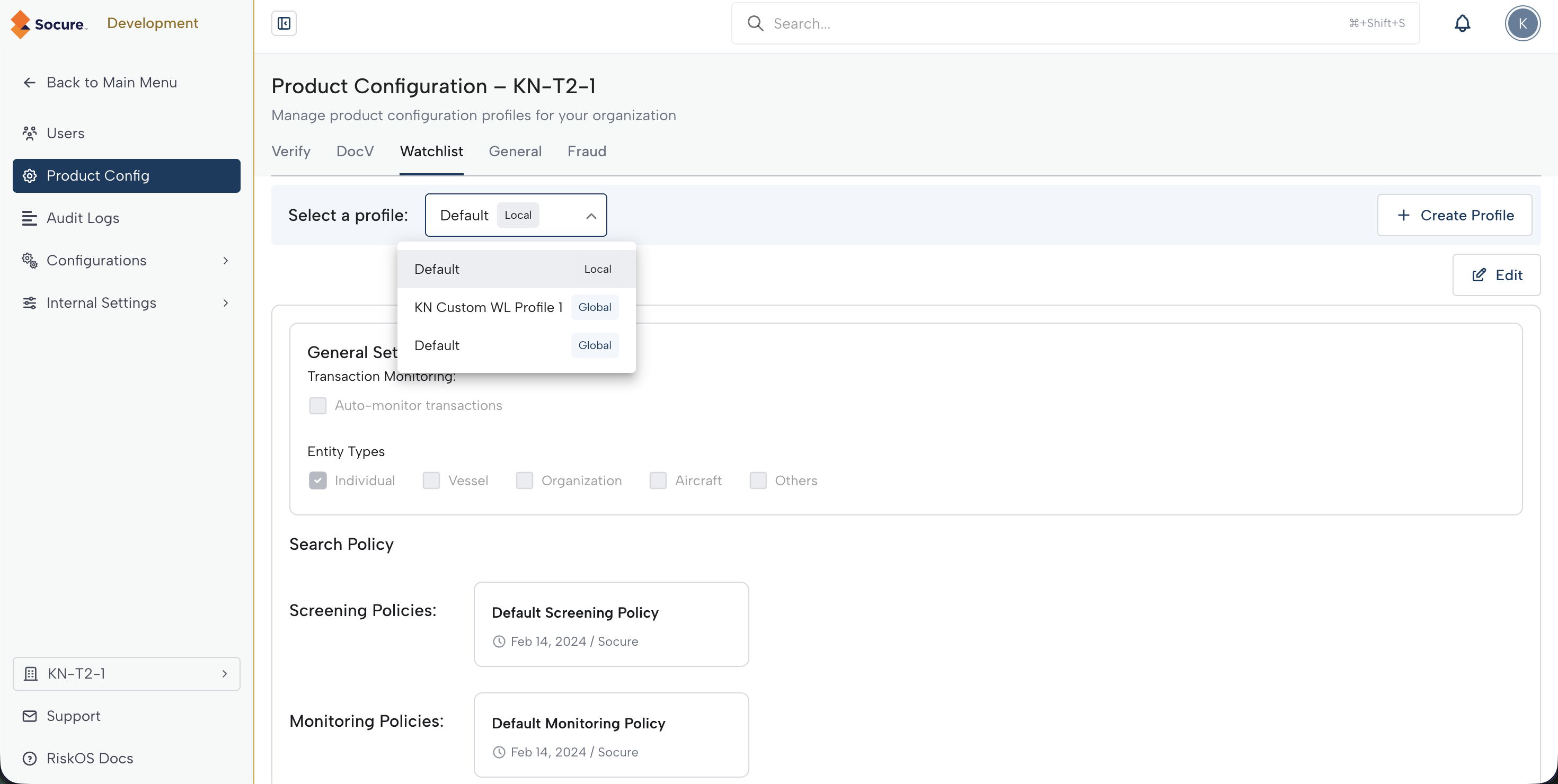
Global profiles defined in the management account are available for use in a centrally managed client. You can also create local profiles in the context of a particular client account. A local profile is visible only to the client account in which it is created. Global profiles are visible and available for use in all client accounts — both centrally managed and standalone.
Standalone client
Global profiles defined in the management account are available for use in a standalone client. You can also create local profiles in the context of a particular client account. A local profile is visible only to the client account in which it is created. Global profiles are visible and available for use in all client accounts — both centrally managed and standalone.
Updated 29 days ago