

Set up GenAI Explainability
GenAI Explainability is enabled by default in RiskOS™. Learn how analysts access AI-generated explanations in Case Management.
GenAI Explainability is enabled and available by default for all customers. No special setup is required. However, if a customer would like Socure to disable the feature, that can be arranged. Please send an email to [email protected] and we’ll take care of it.
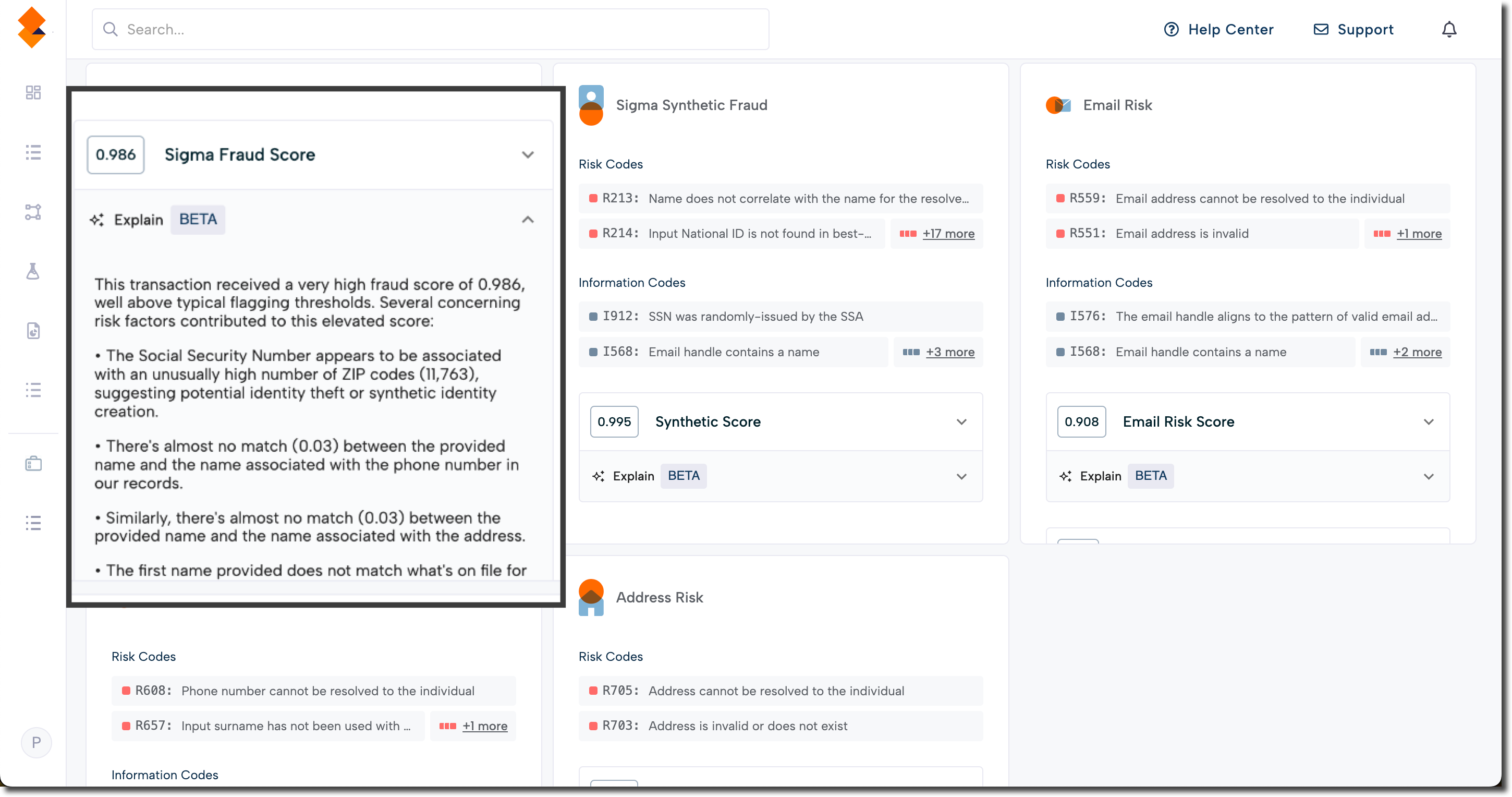
In RiskOS™, analysts with permission to view a case can access explanations by clicking the Explain dropdown within each product tile—such as Fraud, Synthetic, or Email Risk—in the Case Management view.
Updated 3 months ago
Did this page help you?