

Set up Payment Screening
Learn how to configure Socure’s Payment Screening solution in the RiskOS™ Dashboard to screen transactions in real time.
Before you start
Make sure you have the following:
- Your account owner or administrator can enable this for you. If you're unsure who to contact, contact support for assistance.
- If this is your first time working with workflows, review the Workflow overview to understand inputs, enrichments, routing logic, and decisions.
How it works
Payment Screening evaluates payment transactions in real time by screening all participants (sender, beneficiary, and intermediaries) and transaction attributes against global watchlists (Sanctions, PEP, AML).
At a high level, the workflow:
- Screens names against sanctions and PEP watchlists
- Evaluates bank identifiers (IBAN, BIC/SWIFT, routing numbers)
- Screens crypto wallet addresses
- Checks countries and jurisdictions for sanctions exposure
- Aggregates results across all entities in the transaction
- Applies decisioning logic based on matches and policy
Depending on your configuration, final outcomes include:
- Accept
- Manual Review
- Reject
How Payment Screening fits into a workflow
In RiskOS™, you build workflows by connecting reusable components. Payment Screening is a preconfigured use-case workflow composed of enrichments, conditions, and decisions.
Once triggered, the workflow screens all relevant entities and transaction attributes in a single API call and returns a unified decision outcome.
For more detail on workflow components, see Workflow Steps.
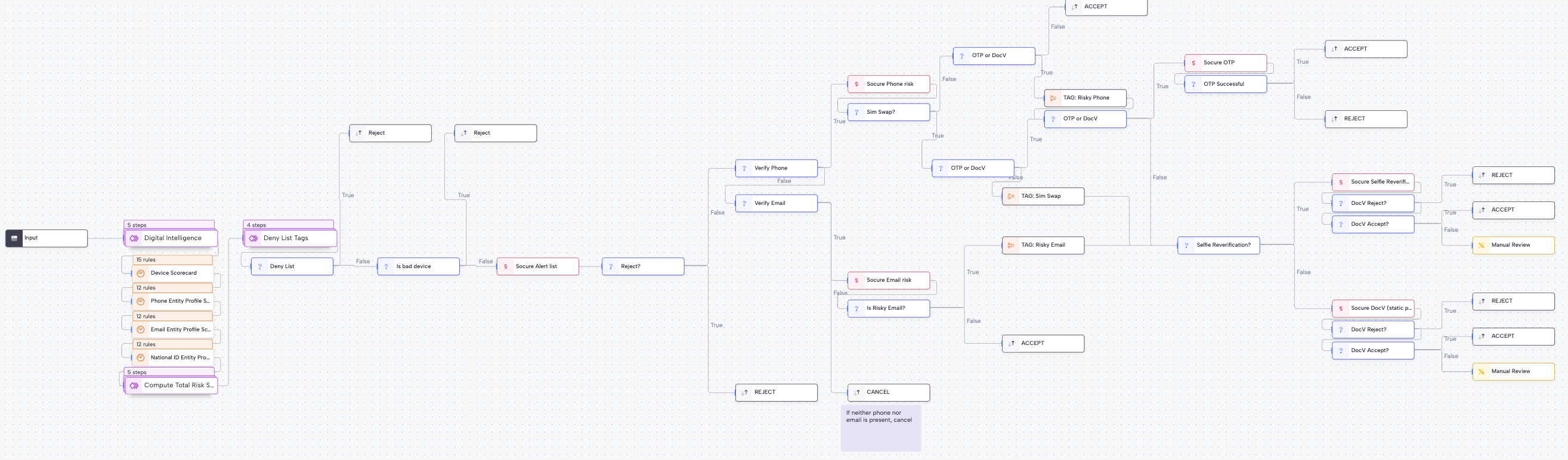
Execution flow in RiskOS™
Payment Screening runs synchronously, returning watchlist matches and match scores in real time.
Workflow components used by Payment Screening
| Component | Purpose |
|---|---|
| Input | Collect transaction, source, destination, intermediary, and account information |
| Enrichment | Screen each individual, business, account, and crypto address identifier against watchlists |
| Condition | Apply tags and monitoring logic |
| Decision | Emit final screening outcome |
Configure Payment Screening
Enable required enrichments
Your Socure account team provisions a standard Payment Screening workflow with the following entitlements:
- Payment Screening
Configure Allow / Deny lists
Configure allowlists and denylists for:
- Email addresses
- Phone numbers
- IP addresses
- Devices
The workflow evaluates these lists early in the process.
Configure inputs and routing
Typical configuration steps include:
-
Risk-policy conditions [Coming in June 2026]
- Determine which jurisdiction, product, or transaction amount to apply which Watchlist policy
-
Review conditions
- Review when there is an OFAC or other Sanctions hit
-
Accept and Monitoring conditions
- Accept and monitor when there is no OFAC or other Sanctions hit
If you’re unsure how to tune thresholds or routing, reach out to support with context about your use case.
Save and publish
Once your workflow is configured, publish it to go live.
Most customers start with a Socure-provided best-practice workflow and iterate over time.
Quick start checklist
Use this checklist to validate readiness before production launch.
Workflow setup checklist
Reject or Manual Review
Accept
Updated 1 day ago