

Authenticate RiskOS™ API requests with Bearer token authentication. Retrieve your API key, configure IP allowlists, and troubleshoot 401 and 403 errors.
RiskOS™ APIs use Bearer Token authentication to secure all API requests. This guide will walk you through everything you need to authenticate successfully and troubleshoot common issues.
Retrieve your API key
- Get your API key from the Developer Workbench > API Keys section in the RiskOS™ Dashboard.
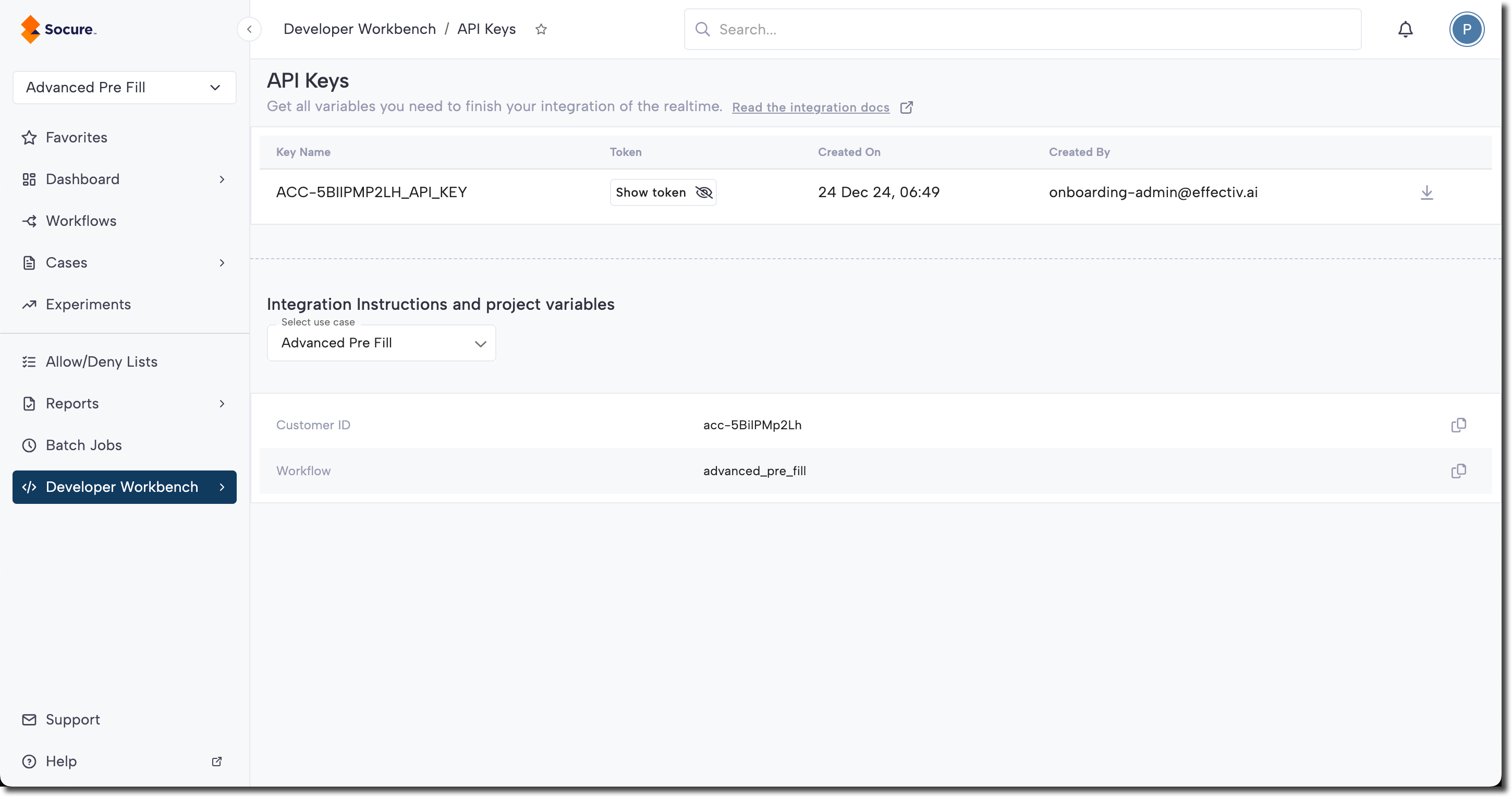
- Include it in your request headers:
Authorization: Bearer YOUR_API_KEY- Make your first request and you're ready to go!
API key management
Environment-specific keys
Each environment requires its own API key:
| Environment | Description | Endpoint URL |
|---|---|---|
| Sandbox | For development and testing | https://riskos.sandbox.socure.com/api/evaluation |
| Production | For live applications | https://riskos.socure.com/api/evaluation |
Important:
Never use production keys in development environments or commit keys to version control.
IP allowlists
RiskOS™ supports optional IP allowlisting to provide an extra layer of network-level security.
Allowlisting restricts access to trusted network ranges — even if valid credentials are presented.
This section covers restricting who can call your RiskOS™ account. To allowlist Socure's own IP addresses on your firewall — so your network permits Socure API traffic and webhook deliveries — use these references instead:
- Sandbox and Prod Environments — the API NAT gateway IP addresses to allowlist, including new additive IPs.
- Webhook configuration reference — the source IP addresses that webhook deliveries originate from.
Socure IP additions are always additive — keep every Socure IP you already allowlist and add the new ones.
Note:
IP allowlisting is an optional security control, not a requirement for API access. It defines where requests are allowed from, while your API key defines who is making the request. Both checks apply only if IP allowlisting is enabled.
How it works
- Authentication first: Your API key is validated
- Authorization check: Request origin IP is verified against your allowlist
- Access granted: Only if both checks pass
Configuration
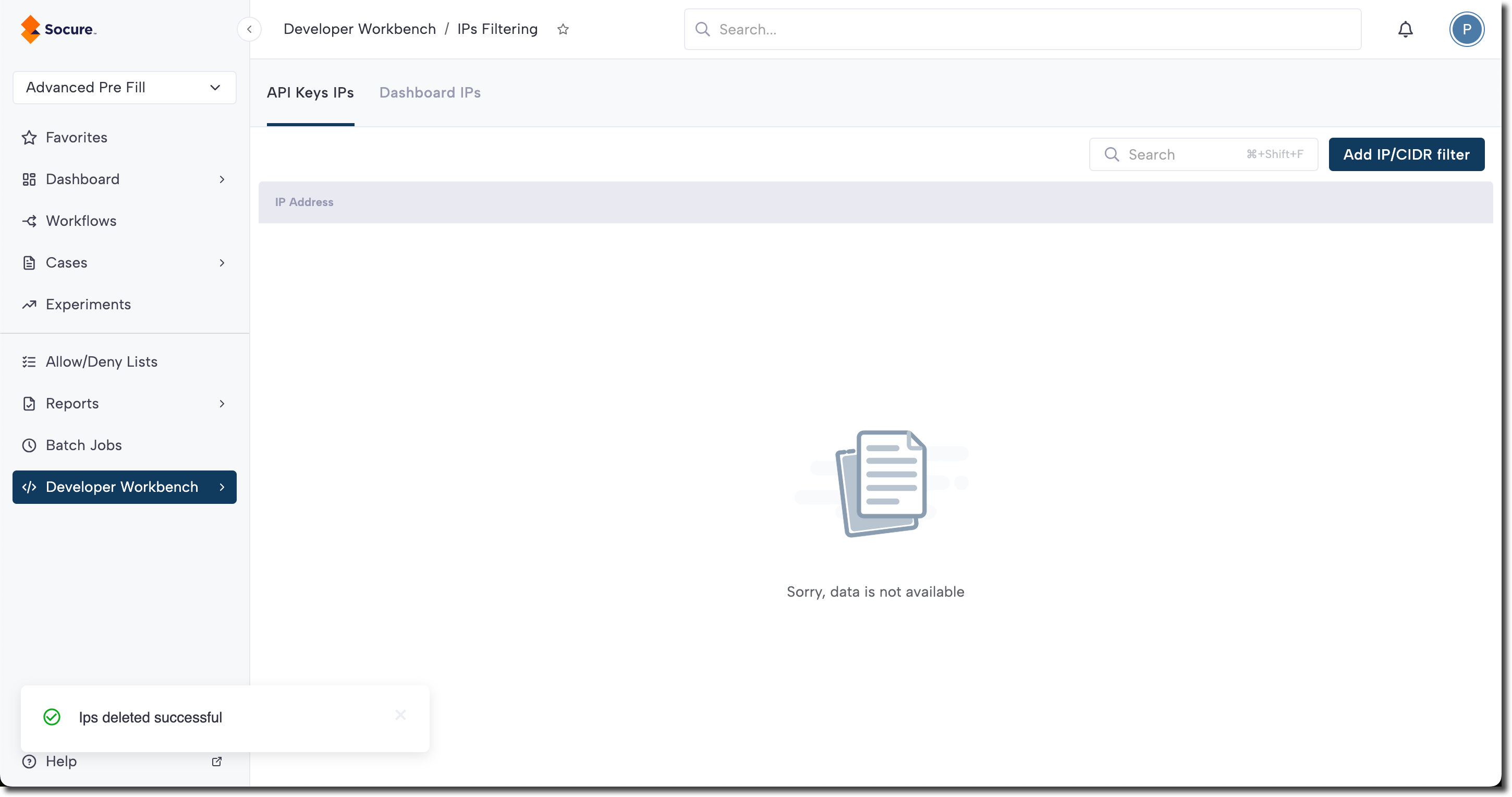
- Go to the Developer Workbench > IP Filtering section in the RiskOS™ Dashboard.
- Add your trusted IP addresses or CIDR ranges.
- Save your configuration.
Behavior
- Allowed IPs: Normal API
2xxresponses - Blocked IPs: HTTP
403 Forbiddenresponse
Security best practices
Store API keys in environment variables, never in code:
# .env file
RISKOS_SANDBOX_KEY=YOUR_SANDBOX_KEY
RISKOS_PROD_KEY=YOUR_PRODUCTION_KEYUse secure secret management:
- AWS Secrets Manager
- Azure Key Vault
- HashiCorp Vault
- Kubernetes Secrets
Monitor for suspicious activity:
- Unusual request patterns
- Failed authentication attempts
- Requests from unexpected IPs
Troubleshooting
Common issues
401 Unauthorized
Possible causes:
- Missing
Authorizationheader - Incorrect API key format
- Invalid API key
- Wrong environment key (using a Sandbox key for Production, or the reverse)
- A recently regenerated or deleted key — after you regenerate a key and delete the deprecated one, the old token stops working, so any client still sending it receives a
401
Solutions:
- Verify the header format:
Authorization: Bearer YOUR_API_KEY - Check your API key in the Developer Workbench.
- Ensure you're using the correct environment key. Sandbox and Production use separate keys and separate endpoints.
- If you recently rotated a key, update every client and stored secret to the current Active token. See API and SDK Keys for the zero-downtime rotation steps.
403 Forbidden
Possible causes:
- Request from non-allowlisted IP address.
- Account permissions issue.
- API endpoint access restrictions.
Solutions:
- Check your IP allowlist configuration.
- Verify your current IP address.
- Contact Support if permissions seem incorrect.
Header Not Sent
Common mistakes:
# Wrong — missing "Bearer"
--header 'Authorization: YOUR_API_KEY'

# Correct
--header 'Authorization: Bearer YOUR_API_KEY'
Related topics
- Manage API & SDK Keys — Create, rotate, and store keys in the Developer Workbench
- Sandbox and Production environments — Confirm which environment your keys target
- Integrating with RiskOS™ — Send your first authenticated evaluation
- Get Started with RiskOS™ — The full quickstart journey